iScape Landscape Design App: A Complete 2026 Guide
You walk into the yard with a clear feeling and a fuzzy plan. The lawn feels empty in one corner, crowded in another, and every idea seems expensive the moment you imagine hiring it out.
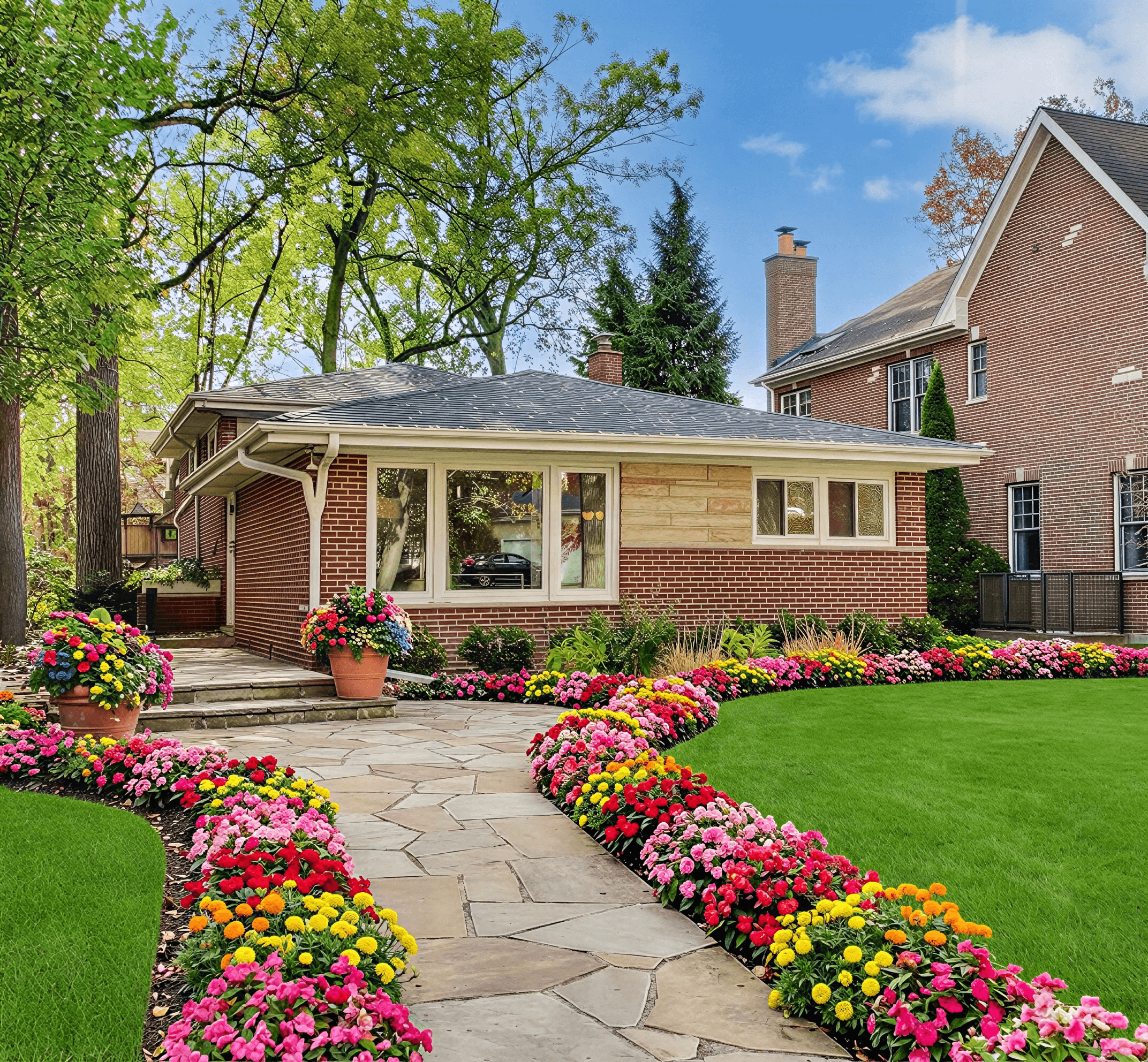
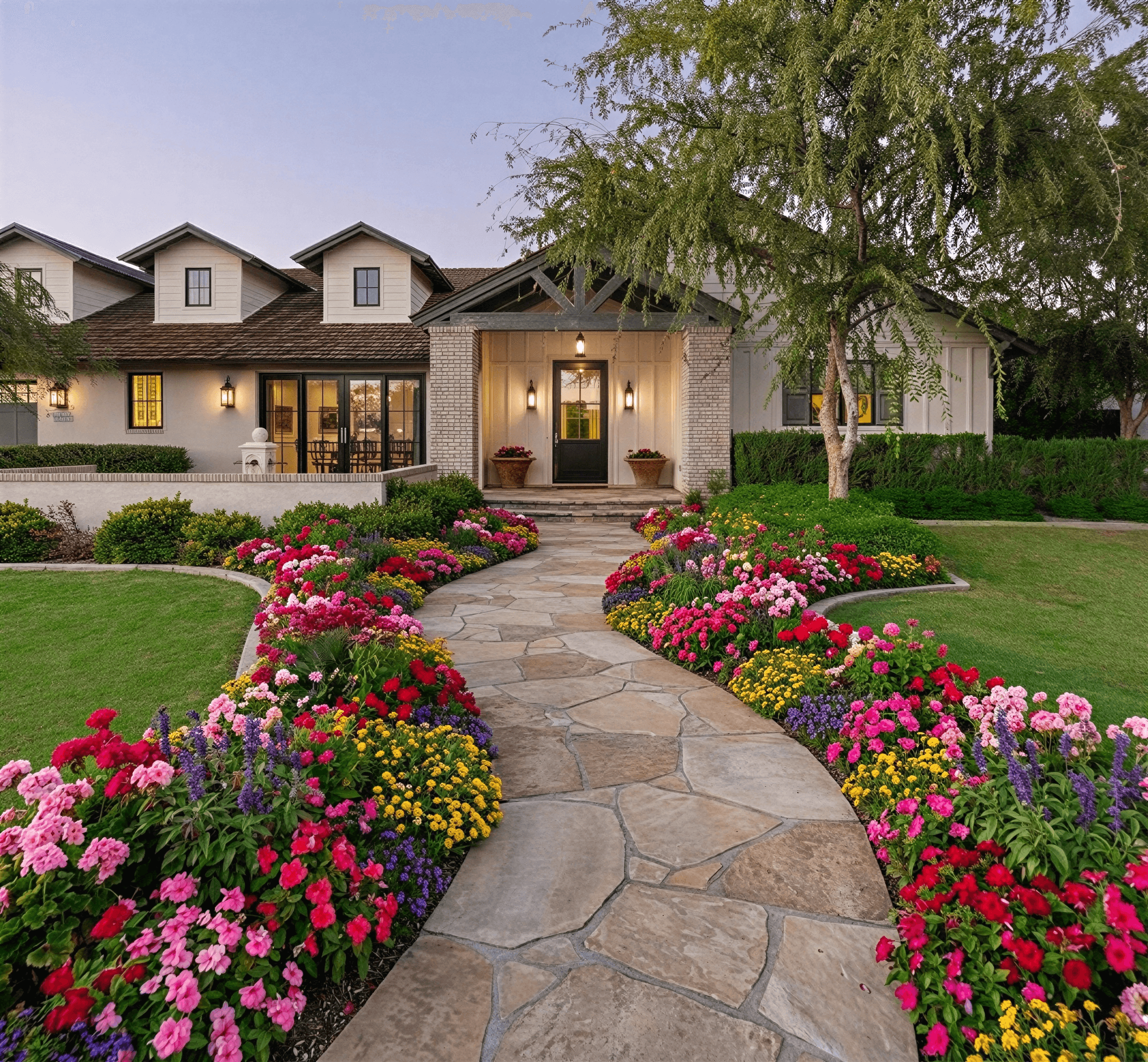
That is where the iScape app for designing outdoor spaces earns its place. It gives homeowners and contractors a way to test layouts on the actual space before buying plants, ordering pavers, or moving soil. If you are trying to decide between a planting bed, a patio extension, or a full front yard refresh, seeing ideas on your own property changes the conversation fast.
Visualize Your Dream Yard with iScape
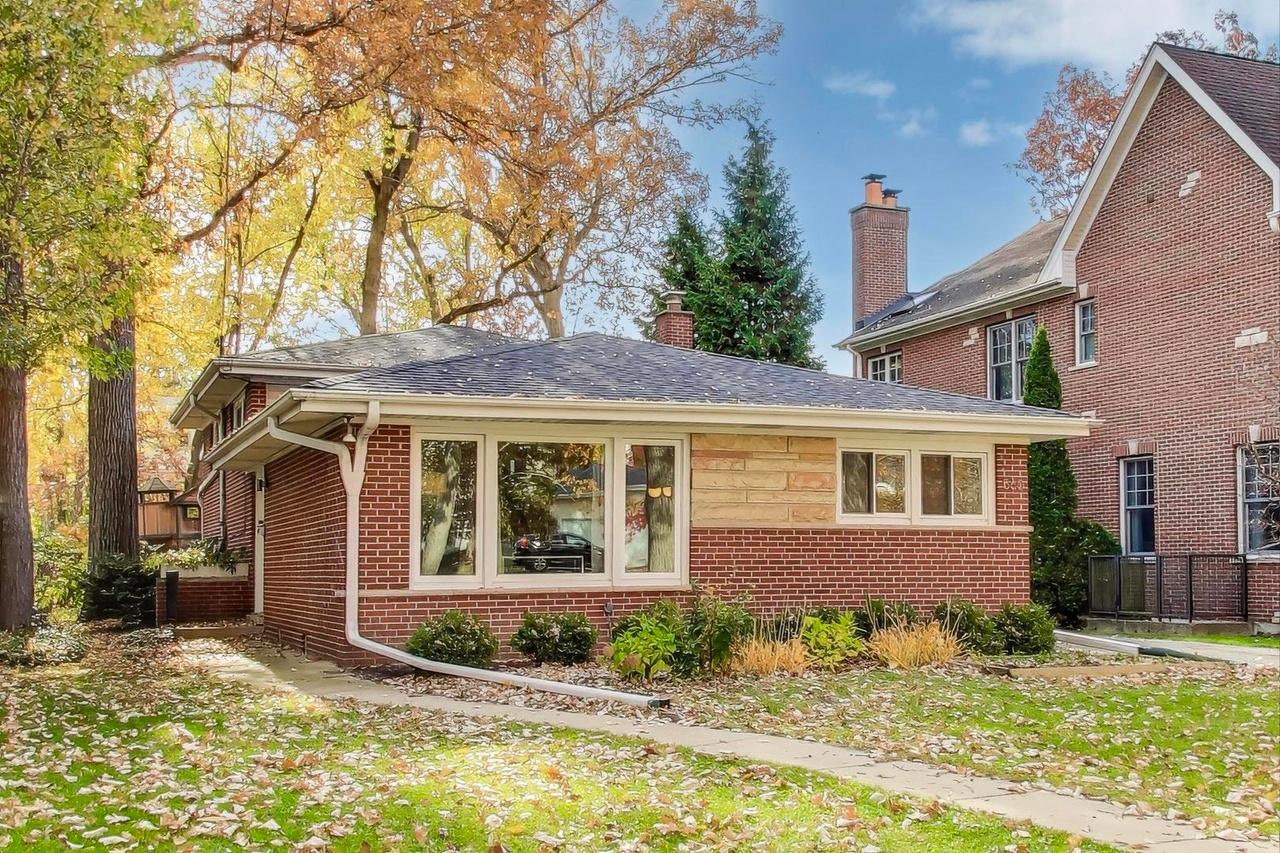
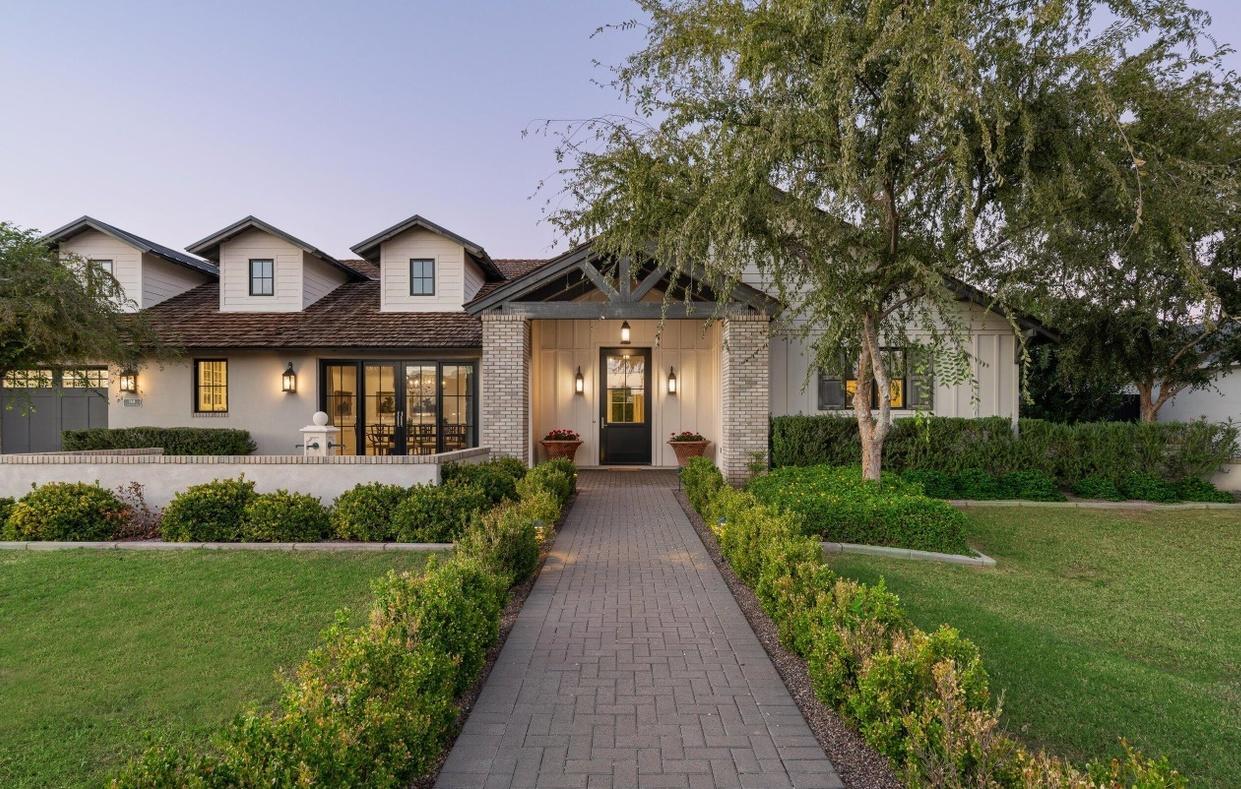
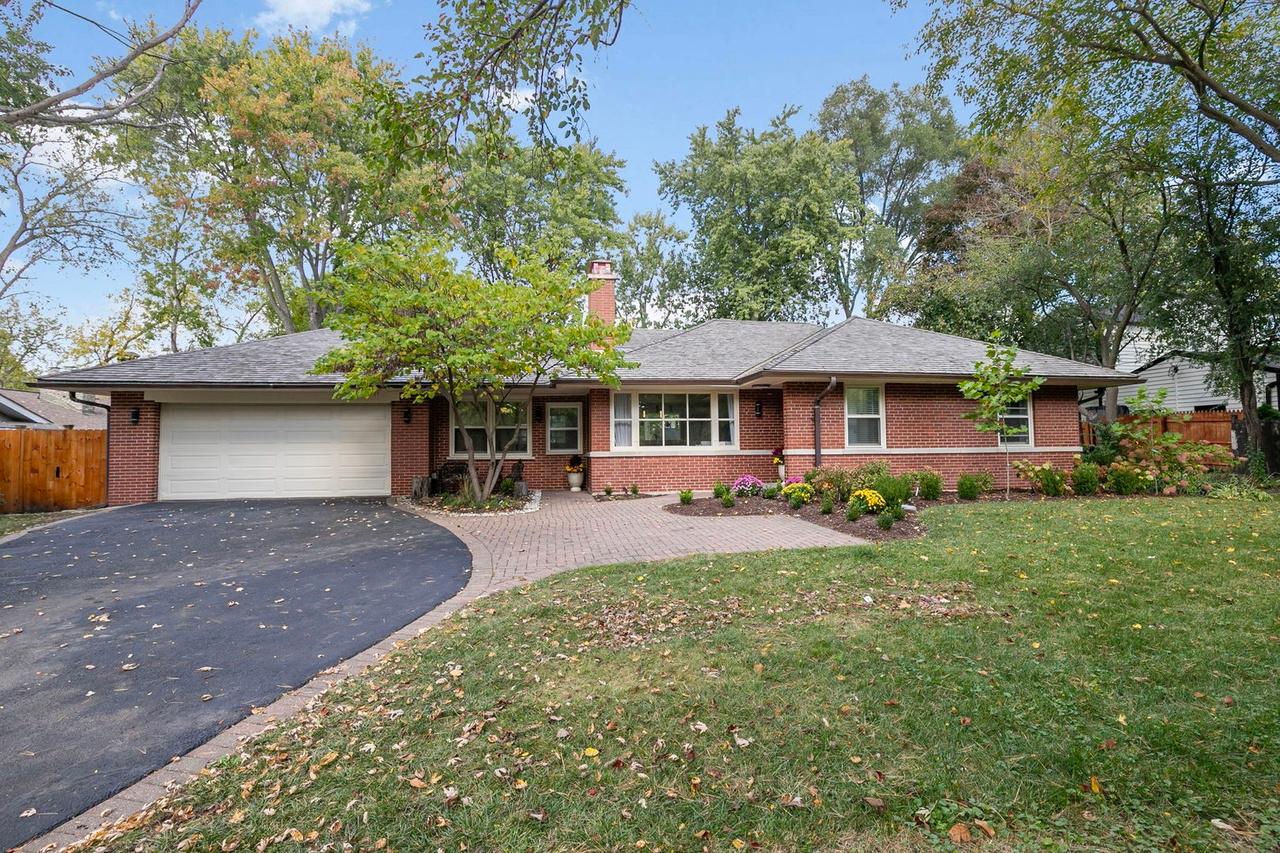
You are standing at the curb, phone in hand, trying to decide whether the front yard needs a wider walk, fewer shrubs, or a full reset. The expensive mistakes usually start right there. A bed edge looks clean in your head, then reads too busy from the street. A small tree feels safe on install day, then crowds the entry a few years later.
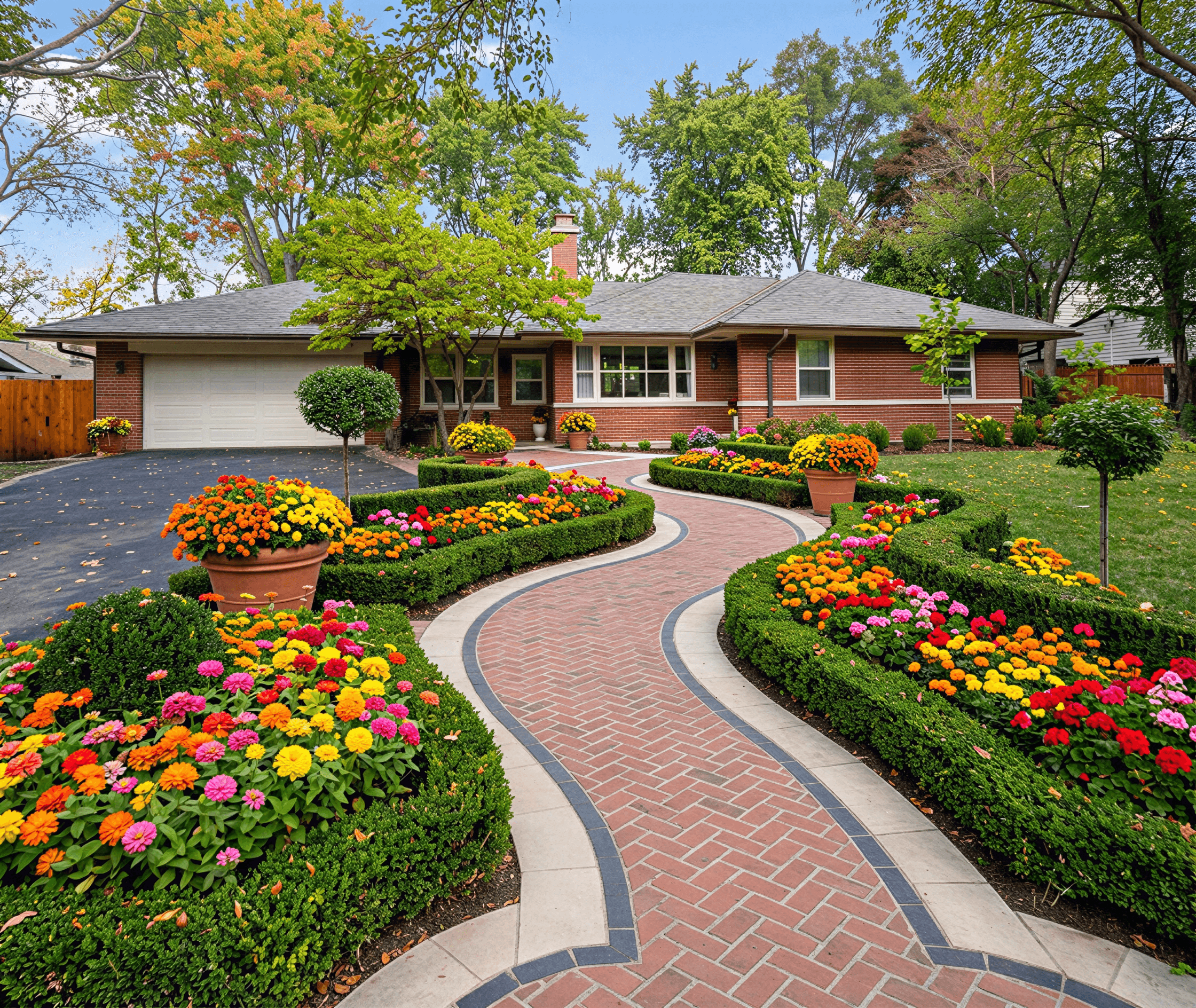
iScape helps at that early decision stage because it lets you test ideas on the actual property instead of relying on a sketch or a mood board. That sounds simple, but the workflow matters. iScape is built around manual placement and AR-style visualization, so the user stays in control of what goes where. That makes it slower than newer AI concept tools, but usually more useful when you want to check spacing, sightlines, and how a change will read from the driveway or patio.
That difference in approach matters for homeowners. An AI tool can generate fast concepts and help you choose a direction. iScape is better once you already have a direction and need to pressure-test it against the actual yard. I have found that this is often the point where projects stop being abstract and start becoming buildable.
Climate should enter the conversation early, not after the design looks good on screen. For dry-region projects, this roundup of backyard xeriscape ideas is useful because it grounds the plan in low-water choices, not just visual style.
Use iScape before ordering plants, pavers, or edging. That is when it saves the most money and rework. Once materials are selected, the app still helps with communication, but its primary value is in catching layout problems while the plan is still easy to change.
What is iScape and Who Should Use It
iScape is a mobile outdoor design app built around photo-based layout planning and, on iOS, augmented reality placement. In plain terms, you use your phone or tablet to capture your yard, then place digital plants, hardscape elements, and outdoor features onto that real-world view.
It is not CAD software. It is not a replacement for a grading plan. It is a visual design tool that helps you make better early and mid-stage decisions.
Best fit for homeowners
For a homeowner, iScape is a safe place to make cheap mistakes before they become expensive ones.
You can try a new bed shape, move a tree farther from a walkway, test how a retaining wall changes the feel of a slope, or compare mulch against gravel. That matters because most DIY exterior design problems are not caused by lack of effort. They come from scale errors, spacing errors, and committing to a design too early.
The app is especially helpful if you think visually. A sketch may not tell you whether a border feels too deep near the front steps. A yard photo with digital elements usually does.
Homeowners tend to get the most value when they use it for
- Front yard refreshes: Shrub placement, walkway edits, and curb appeal upgrades.
- Backyard design: Patio edges, fire pit zones, planting islands, and screening.
- Phased projects: Starting with one bed or side yard, then building toward a larger plan later.
Best fit for professionals
For outdoor design contractors and designers, the value is different. Speed matters more than exploration.
A pro can use iScape to build quick visual proposals, show a client how a planting bed wraps around an existing patio, or communicate intent before drafting a more formal plan. The app’s official materials also position iScape Pro around client management, proposals, pricing, and PDF exports, which makes it more than a simple visualization toy for field use.
Who may outgrow it
Some users will hit the ceiling quickly.
If you need detailed grading logic, irrigation planning, construction documentation, or a highly technical planting schedule, iScape is not the whole workflow. It is strongest in concept development and client-facing visualization. It is weaker when a project demands engineering-level precision or highly regional planting guidance.
If your biggest design problem is “I need to see this in my actual yard,” iScape is a strong fit. If your biggest problem is “I need a construction set,” you will need other tools too.
Exploring iScape's Core Features and Workflow
The app’s primary strength is not any single feature. It is the way several tools work together around an existing yard photo or live camera view.

The core design environments
At the practical level, iScape gives you two ways to work.
One starts with a photo of the yard. This is usually the easiest route for beginners because the scene is stable. You can place objects, resize them, and compare options without fighting camera movement.
The second is the AR-driven view on iOS. This view makes the app more immersive. You are not just dropping objects onto a flat image. You are viewing placements against the actual space in a more spatial way, which helps with depth, alignment, and proportion.
According to iScape’s own blog, its augmented reality integration on iOS enables precise 3D overlays that can reduce on-site revision rates for professionals by 40 to 60 percent, and its AI-powered product search returns context-aware recommendations with 92 percent relevance accuracy, helping users iterate on designs 50 percent faster (iScape Your Dream Outdoor Space to Life).
That performance claim lines up with how the app feels in use. The less time you spend hunting through a library or reworking obvious placement mistakes, the more useful the app becomes on a real project.
The object library and placement logic
iScape’s catalog is broad enough that most residential users can build a believable first-pass design without feeling boxed in.
You can place plants, pavers, mulch, ground covers, and other outdoor elements, then scale and reposition them visually. The app’s drag-and-drop model works well for users who want to test relationships between elements. Does that ornamental tree anchor the bed, or block the house? Does the stepping path feel intentional, or random? The app helps answer those questions quickly.
For a broader look at how photo-based yard planning tools compare, this review of an outdoor design app is useful reading.
What works best in practice
- Broad composition: Bed shapes, circulation paths, focal plants, and hardscape zones.
- Client communication: “This is the direction” conversations are much easier with visuals.
- Revision cycles: Moving, resizing, and swapping objects is faster than redrawing by hand.
What does not work as well
- Highly technical detailing: Fine-grain build documents still need other tools.
- Plant viability decisions: Visual fit is not the same as regional suitability.
- Messy source images: Bad photos create bad mockups. Shadow-heavy or angled shots reduce clarity.
Why the workflow feels different from AI-first tools
iScape is still a manual design environment at heart. You choose the parts. You place them. You refine the composition.
That is a real advantage if you already know what you want and care about control. It is less ideal if you are stuck at the “I need ten fresh directions right now” stage. In that case, manual editing can feel slower, even when the interface is smooth.
Your First iScape Design A Quick Start Guide
The easiest first project is not a full-property redesign. Start with one clear zone. A front bed, a side yard, or the area around a patio is enough.
That keeps your first session useful instead of overwhelming.

Step 1 with a better source image
Use a straight-on photo when possible. Stand far enough back to capture the full area, but not so far that beds and edges become tiny.
If the project area is front yard heavy, tools that support photo-based layout can help you compare workflows before you commit. This guide to an outdoor design app with photo upload gives a good overview of that approach.
A few practical rules make the first image much easier to work with:
- Shoot in even light: Harsh shadows hide edges and distort the look of plants.
- Clear clutter first: Hoses, toys, and temporary furniture make placement harder.
- Frame permanent elements: Include the house, fence, path, or patio edge if they affect layout.
Step 2 place the largest elements first
Do not start with flowers. Start with structure.
Put in the major items that define the layout. That could mean a tree, a hedge line, a walkway, a patio extension, or a mulch bed. Once those are in place, the smaller accents make more sense.
This is the same principle designers use on paper plans. Big moves first, detail later.
If a design only looks good because of small decorative items, the layout is probably weak.
Step 3 adjust scale before style
After placing a plant or hardscape object, resize it with restraint. New users often make everything too small because oversized plants look dramatic on screen.
Think about mature size, visual weight, and clearance. A shrub next to a walkway should not just look good in the screenshot. It should still make sense once it fills out.
Step 4 build the surface layer
Once the bones are in, add the materials that make the concept readable.
Ground cover tools are useful here. Apply mulch, gravel, or turf where the layout needs separation. This is often the moment when a rough arrangement starts to feel like a real plan rather than a pile of objects.
Step 5 save versions instead of chasing one perfect draft
Make one version with stronger structure. Make another with softer planting. Save both.
That habit matters because most good exterior design decisions come from comparison, not from perfecting a single concept too early. You want options that are different enough to judge.
iScape Pricing Pros and Cons
A common moment with iScape goes like this. The first draft looks convincing on your phone, everyone in the house starts picking favorites, and then the practical questions show up. Is the paid version worth it? Will this help you choose plants that fit your climate, or just help you stage a good-looking concept?
That is the right way to judge the app. Pricing only makes sense once you separate visualization value from design decision value.

Where iScape delivers
iScape earns its keep when you need to place ideas on a photo of your actual yard and refine them by hand. That workflow is slower than AI concept generators, but it gives better control over placement, proportion, and how a patio edge, bed line, or tree grouping will read against the house.
For homeowners, that usually means fewer impulse buys and fewer bad calls based on imagination alone. For contractors and designers, it helps speed up approvals because clients can react to something concrete instead of a verbal description.
It also sits in a useful middle tier. Simple enough for a DIY user to learn, but capable enough for client presentations.
Main advantages
- Photo-based planning: Working on a real site image is more persuasive than sketching in an abstract editor.
- Fast revisions: Swapping materials, plants, and hardscape items takes less time than redrawing concepts.
- Client-ready output: Export and proposal tools make it usable beyond casual experimenting.
Where it falls short
The main limitation is that iScape is still a manual design tool. You have to build the concept yourself, object by object, and the results depend heavily on your judgment. Good users get solid presentations out of it. Inexperienced users often produce crowded, underscaled, or climate-mismatched plans that only look good on screen.
That trade-off matters. Manual editing gives more control than AI image generation, but it also asks more from the user.
The other weak spot is plant suitability. A design can look polished and still fail in an actual yard if the plant choices ignore heat, cold, sun exposure, soil, or maintenance load. If climate-fit plant selection is a priority, it helps to compare iScape with a broader app for garden design before paying for a longer subscription.
Main drawbacks
- Manual composition: You still need a decent eye for spacing, scale, and restraint.
- Limited technical depth: Construction documents and detailed install planning still require other tools.
- Plant risk: Visual fit does not guarantee site suitability.
Pricing in practical terms
As noted earlier, the paid Pro tier is positioned for users who need proposals, client management, pricing support, and document export. That is where the subscription starts to make business sense.
For a homeowner testing ideas for one project, the value question is narrower. Pay if the app helps you avoid costly mistakes, compare a few credible directions, or get household buy-in before spending on materials. Skip the upgrade if you are still at the stage of asking broad style questions, because AI-first tools can generate concept directions faster.
My rule after using tools like this is simple. Pay for iScape when precise placement matters. Use something faster and more exploratory when you are still deciding what kind of yard you want.
iScape vs Alternatives How Curb Appeal AI Differs
Most outdoor design tools answer one of two questions.
The first is, “How do I place and adjust elements on my real property?” That is where iScape is strongest. The second is, “Can I see multiple complete directions quickly before I decide what I even like?” That is where AI-first tools often feel faster.

The philosophical difference
iScape is a manual, AR-guided editor. You build the concept yourself. That gives you control.
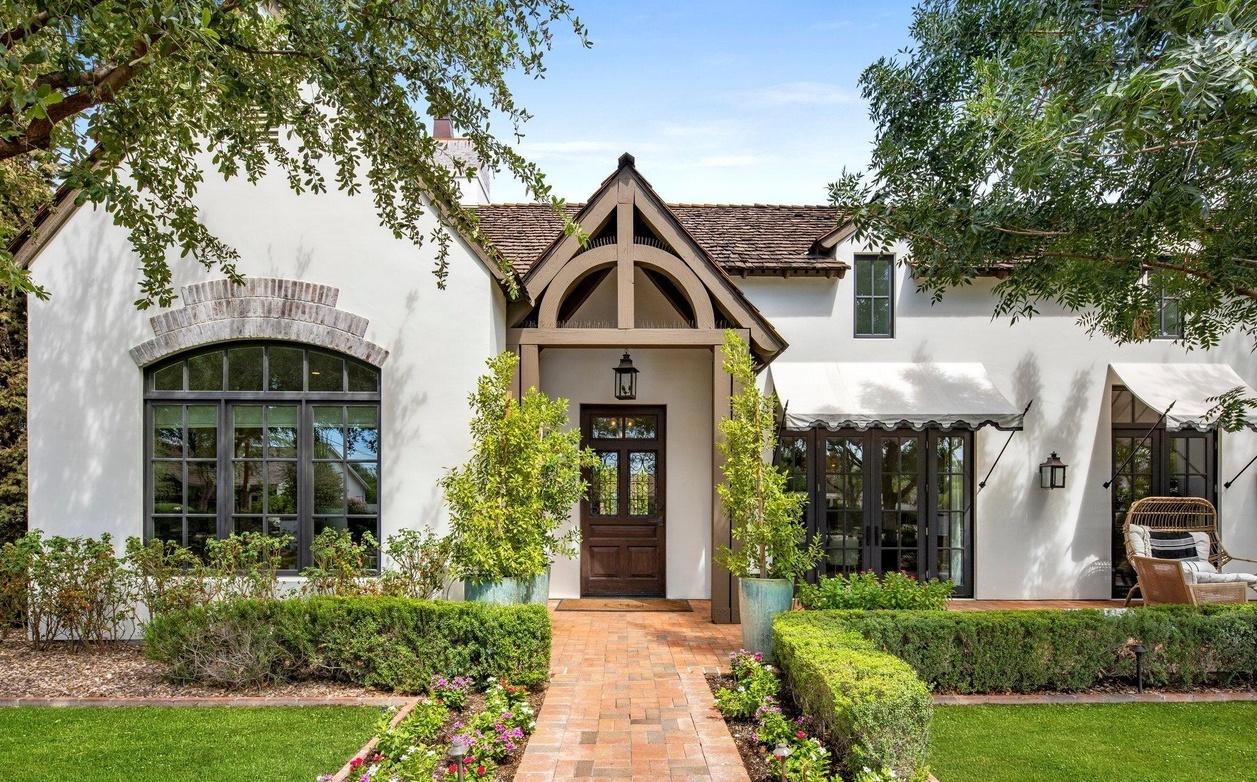
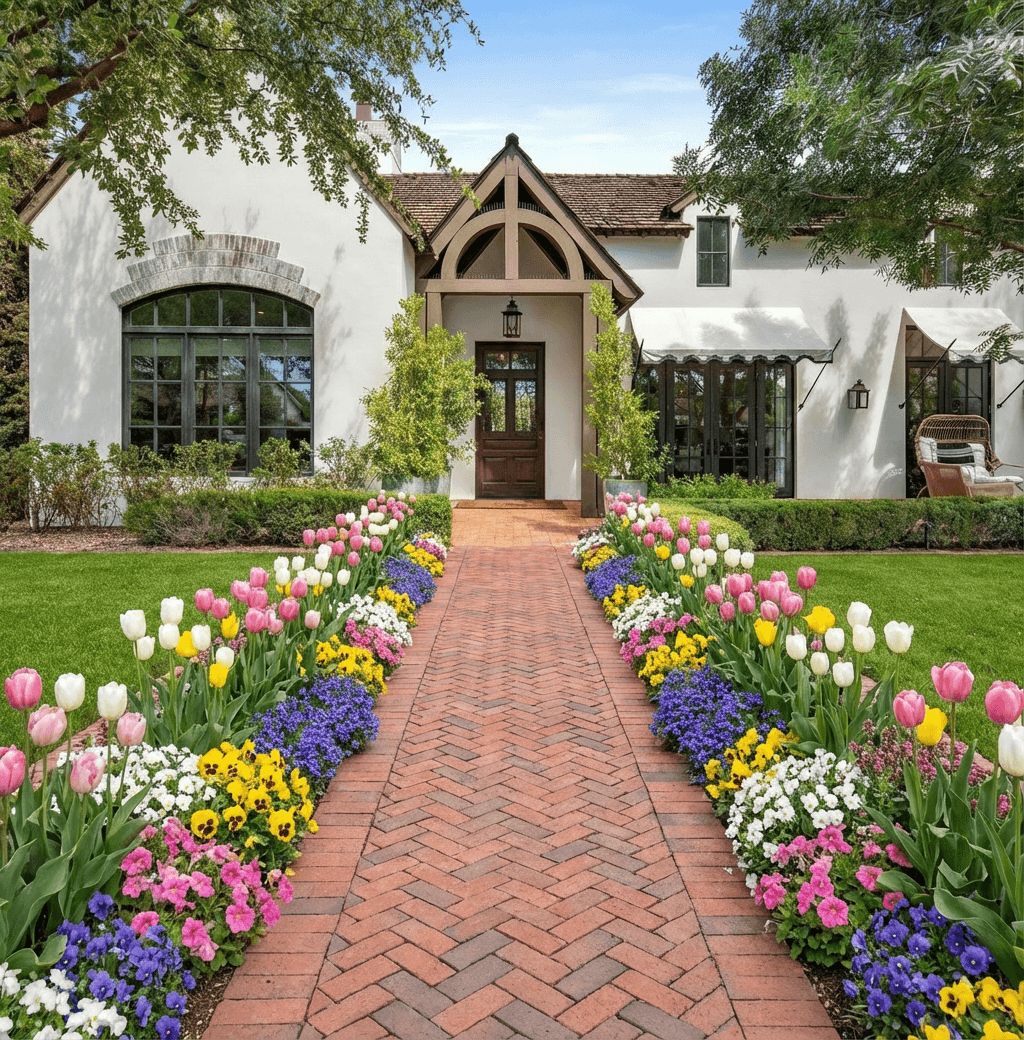
AI-native alternatives take a different route. They generate conceptual directions from a photo, which can be useful when the homeowner is not choosing between two known plans, but trying to discover what is even possible. That difference affects speed, effort, and the kind of design decisions each tool supports best.
For readers comparing broader garden-planning options, this overview of an app for garden design is a good companion resource.
The climate intelligence gap
One issue gets missed in many app comparisons. A design can look attractive and still fail in real life.
That is why plant viability matters. According to iScape-related documentation on feature gaps, a significant limitation in many outdoor design apps, including iScape, is the lack of climate-specific plant recommendations, and this becomes a serious problem for homeowners who need confidence that plant choices will survive local conditions (iScape feature gap discussion).
This is the trade-off in plain language:
- iScape helps you visualize placement well.
- Climate-aware tools help you avoid attractive but unsuitable plant choices.
A homeowner in a dry, hot zone does not just need a pretty front bed. They need plants that can handle the local conditions. A contractor designing in multiple regions has the same problem at a larger scale.
Side-by-side decision view
| Feature | iScape | Curb Appeal AI | Pro Landscape Home |
|---|---|---|---|
| Core workflow | Manual placement on photos and AR-supported visualization | AI-generated concepting from property photos | Traditional outdoor space planning workflow |
| Best use case | Users who want direct control over layout decisions | Users who want fast inspiration and multiple directions early | Users who prefer a more conventional design toolset |
| Speed to first concept | Moderate, because the user builds the design | Fast for early ideation | Moderate |
| Plant-climate guidance | Climate-specific guidance is a known gap in current documentation | Built around hardiness-zone-aware recommendations | Varies by workflow and user research |
| Ideal user mindset | “I know roughly what I want” | “Show me several viable directions quickly” | “I want a more standard planning interface” |
The best tool depends on the stage of the project. Manual editors are better for refining. AI concept tools are better for breaking creative gridlock.
Which one makes sense for your project
Choose iScape if you already have a direction and want to test placement in your real yard. It is especially good when layout control matters more than idea generation.
Choose an AI-led alternative if your first problem is not placement, but indecision. This is often the situation for front-yard upgrades, curb appeal work, and homeowners who know they want change but do not yet know the style, structure, or planting direction.
Frequently Asked Questions About iScape
Can I use iScape across different Apple devices
Yes, that is the intended ecosystem for many users. If you start on an iPhone and prefer reviewing designs on an iPad, that fits the app’s general device compatibility. In practice, the smoothest experience comes from staying logged into the same account and checking that your projects are properly saved before switching devices.
Can I share my design with a contractor or family member
Yes. iScape is built for visual communication, not just private sketching. Sharing a saved design is one of its most practical uses because it gives other people something concrete to react to instead of vague descriptions.
Do I need an internet connection all the time
That depends on what you are doing. Basic project interaction may feel available once a design is open, but features tied to account access, library content, syncing, or updates are more reliable with a connection. If you are working on-site, it is smart to prepare your files before you arrive.
Is iScape enough to plan an entire outdoor project
For concepting and visualization, often yes. For full build documentation, no. Most substantial projects still need site judgment, plant knowledge, and sometimes technical plans beyond what a mobile design app is meant to handle.
If you want a faster way to generate exterior concepts before you start manually editing layouts, Curb Appeal AI is worth a look. It is especially useful when you have a photo of the property, want multiple design directions quickly, and care about climate-appropriate plant recommendations rather than visuals alone.