Ai Landscape Design Tool
ai landscape design tool
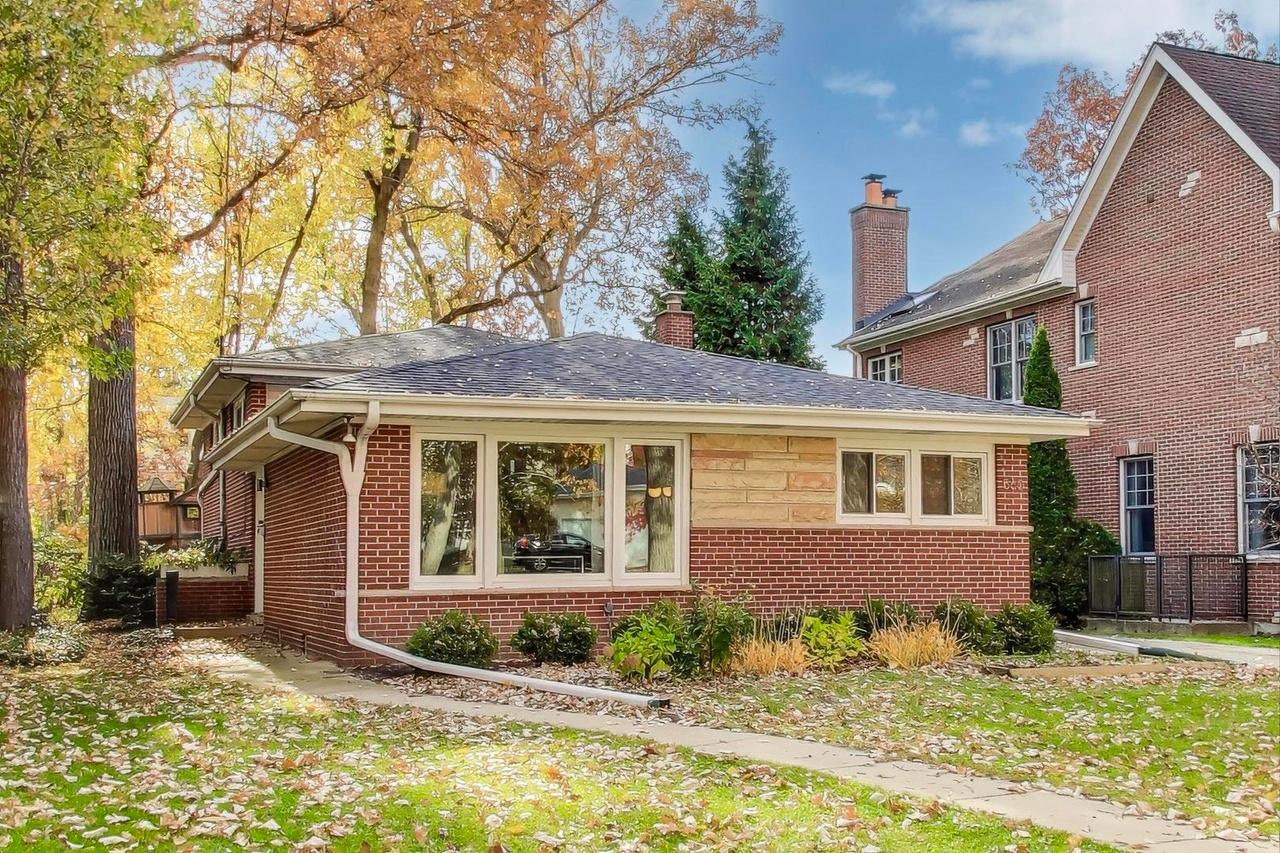
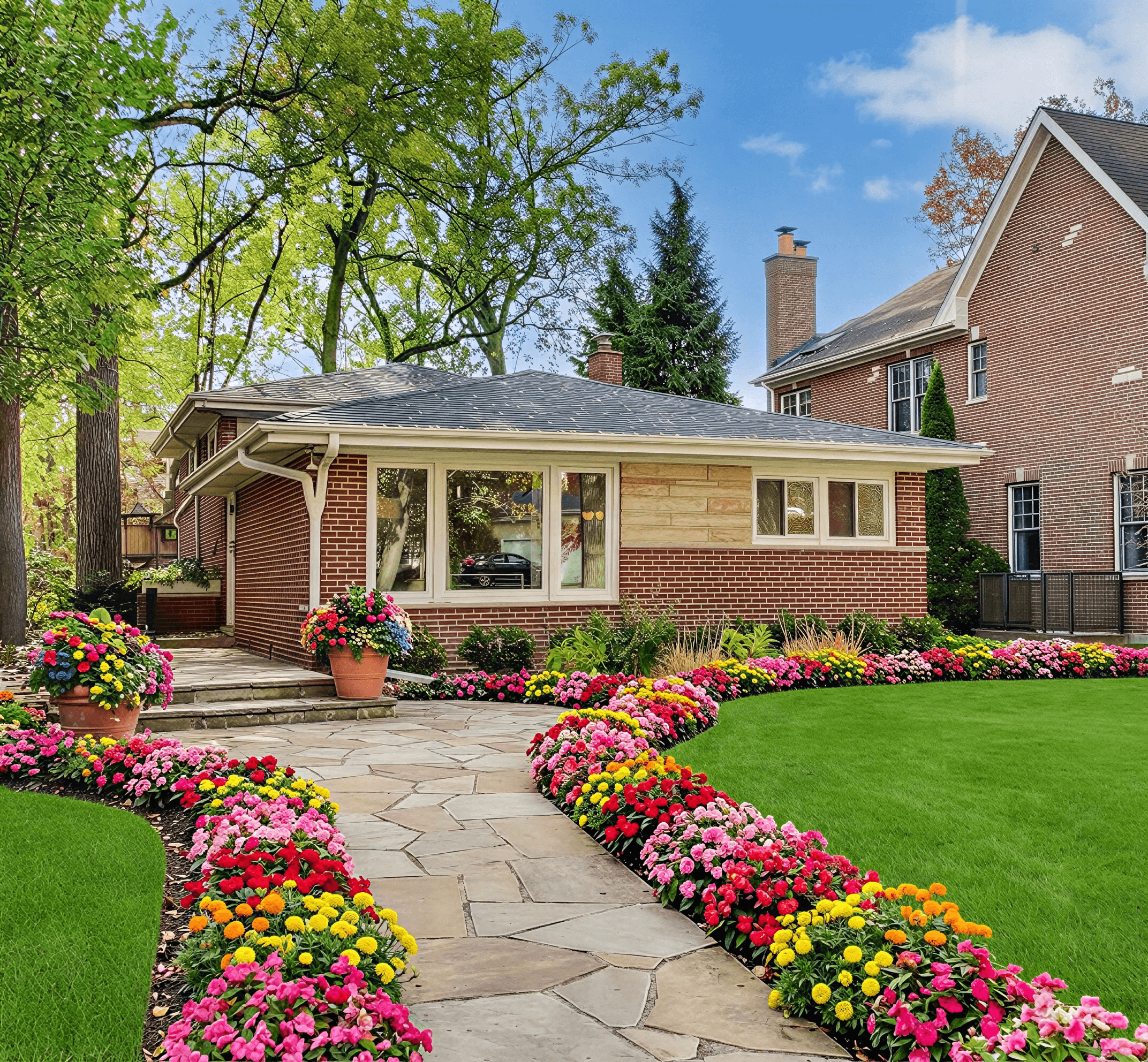
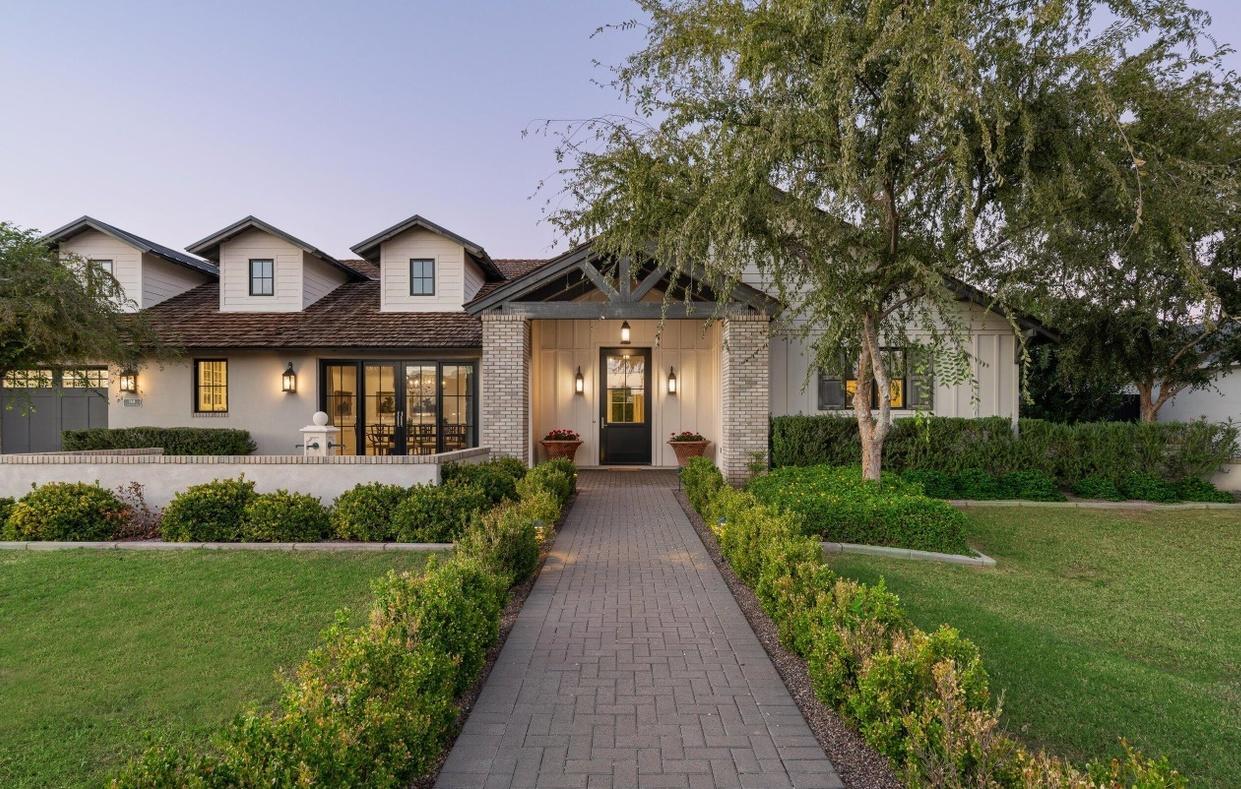
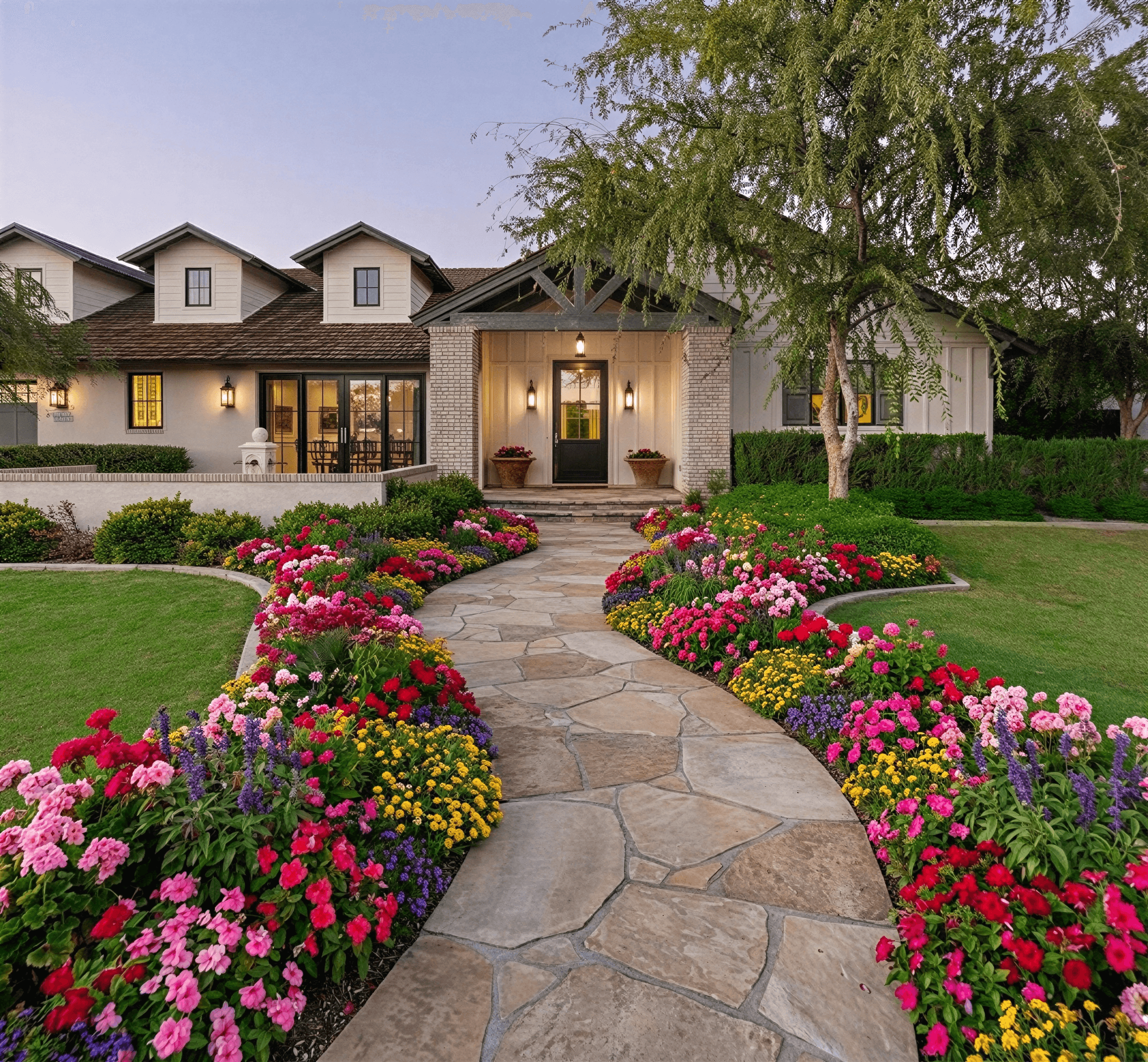
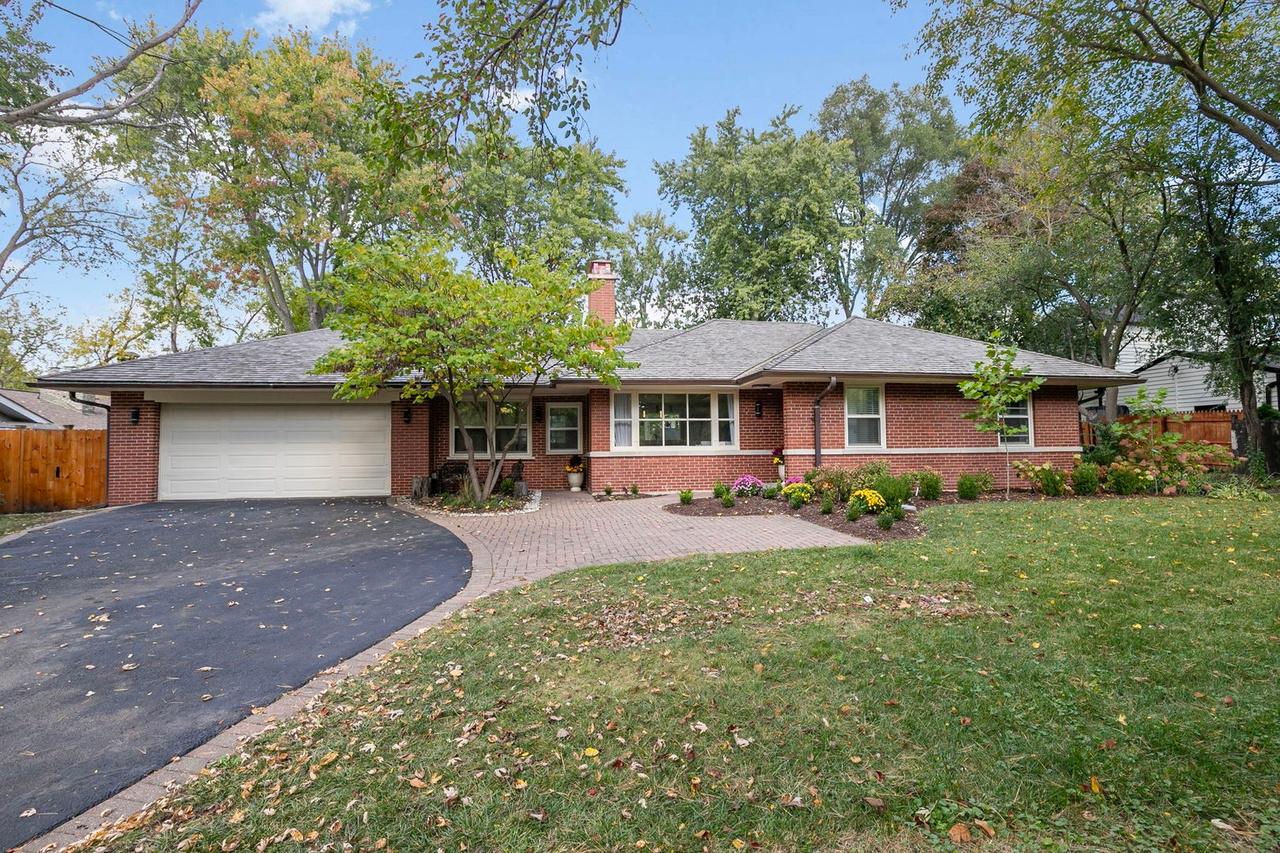
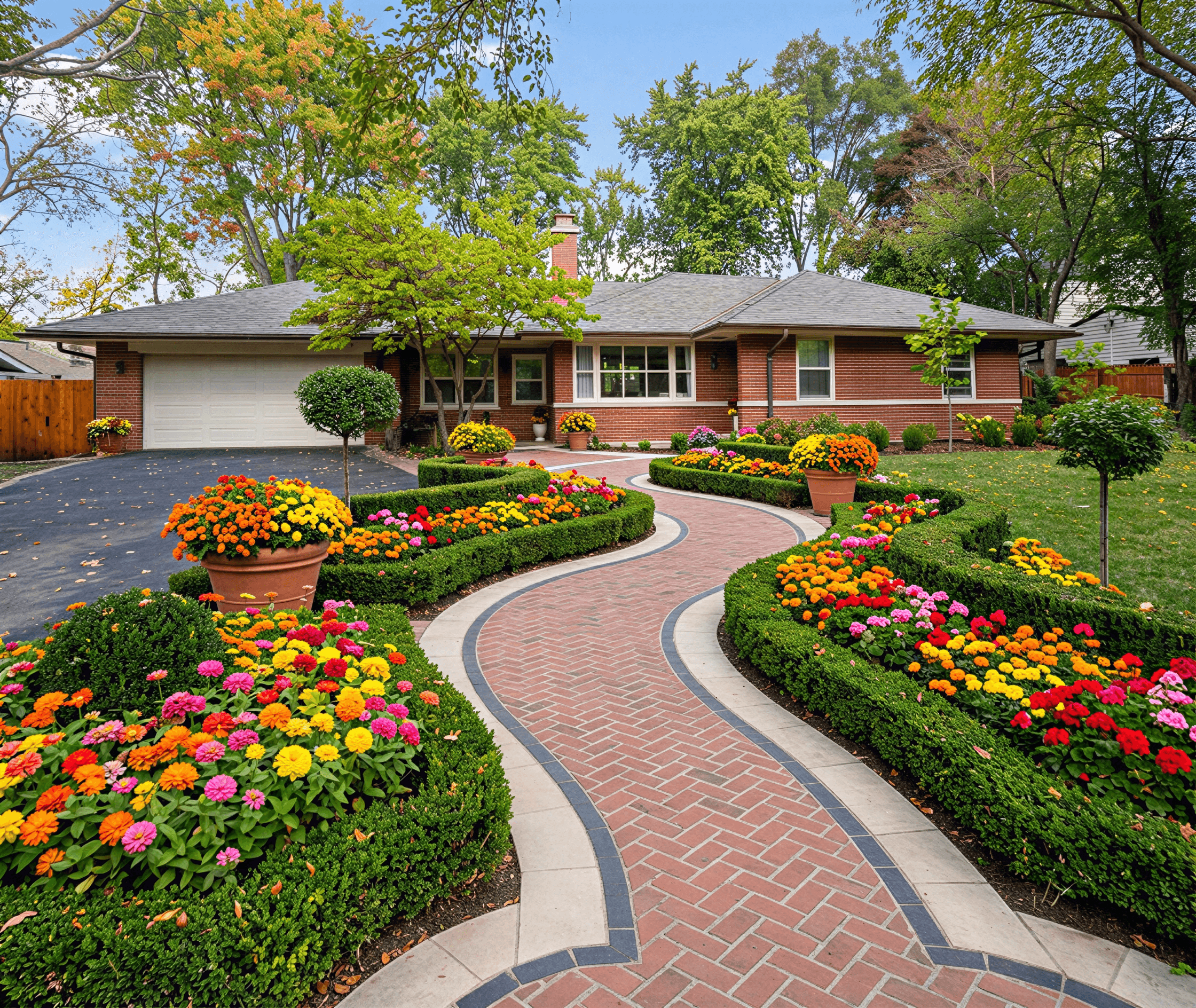
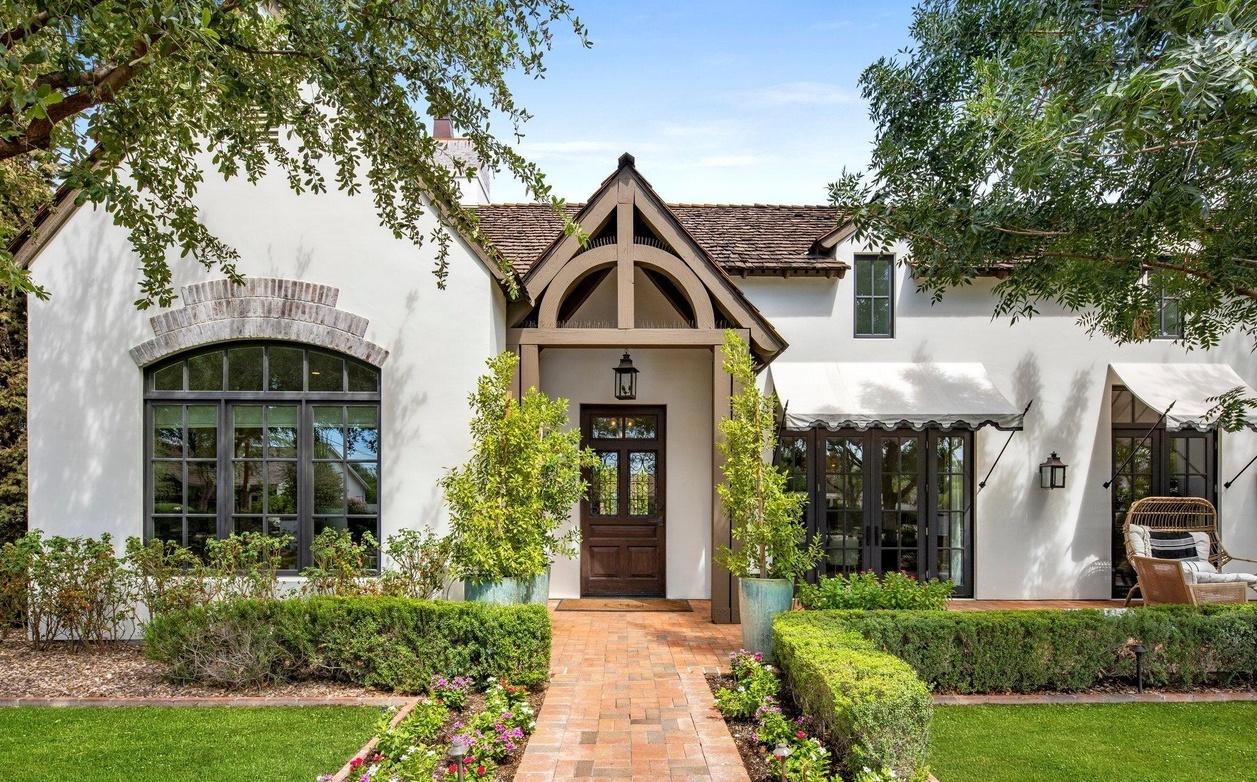
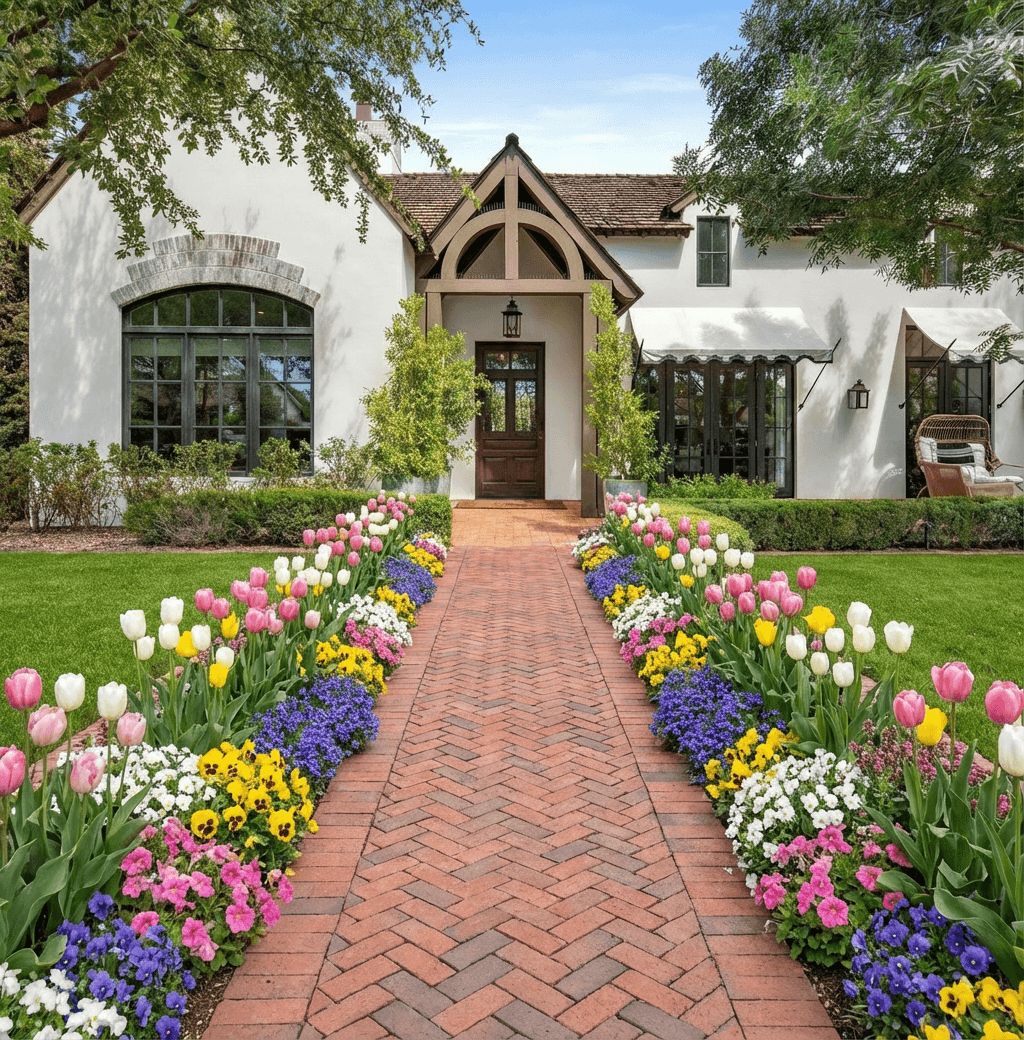
Curb Appeal AI helps homeowners explore new looks for their yard by turning a photo into realistic visual options. Upload a photo of your front or back yard, choose styles and plants, and the tool will show before-and-after visualizations of proposed improvements. This makes it easier to compare ideas, estimate changes, and plan next steps whether you handle the work yourself or hire a pro.
How to Start a Landscape Plan
Begin with a clear set of goals and a good photo of your property to upload into an ai landscape design tool. Measure key dimensions, note shade patterns, and list any fixed features like driveways and trees before you start experimenting. Start with priorities—improving curb appeal, adding low-maintenance beds, or creating usable outdoor living space—and use the tool to test multiple layouts quickly. The ai landscape design tool helps you avoid scale mistakes by showing plants and hardscapes in context so you can refine choices before buying materials or committing to changes.
Using an AI Landscape Design Tool
An ai landscape design tool speeds up idea generation by producing realistic mockups from your uploaded photo. With a service like Curb Appeal AI you can pick styles, materials, and plant palettes, then see how those options look in place. Use the tool to compare color schemes, placement of focal features, and pathway layouts without moving anything physically. Treat the results as design options rather than final plans—measurements and drainage still need on-site checks—but the visualizations make it easier to share ideas with contractors or get a sense of long-term maintenance needs.
Choosing Materials and Planting Options
Select materials that match your local climate, budget, and the scale of your yard when testing ideas with an ai landscape design tool. Permeable pavers, native shrubs, and drought-tolerant groundcovers often reduce maintenance and water use. Use the tool to preview textures and colors together—mulch versus gravel, warm stone versus cool concrete—and compare how evergreen structure and seasonal flowering plants look throughout the year. When the ai landscape design tool suggests plantings, cross-check with a regional planting guide to confirm hardiness zones and mature sizes before ordering.
Estimating Costs and Budgeting Smartly
An ai landscape design tool can help you prioritize elements so you estimate costs more accurately. Start by separating the project into phases—planting beds, hardscaping, irrigation, and lighting—and use the visuals to decide which phase delivers the best immediate impact. For commonly used items, look up local prices and labor rates to build a budget; the ai landscape design tool’s mockups make it easier to calculate quantities of mulch, pavers, and plants. If estimates are tight, plan smaller test areas or choose lower-cost materials that still achieve the look shown in your visualization.
DIY vs Professional Installation Choices
Deciding between DIY and hiring a pro depends on scope, skill level, and local conditions; use an ai landscape design tool to make that choice clearer. Simple planting swaps, installing mulch, or laying a small path are often suitable DIY projects if you have basic tools. Larger tasks—grading, retaining walls, irrigation systems, or significant hardscaping—usually need a contractor for permits and proper drainage. Use the designs from the ai landscape design tool to get quotes from multiple professionals and to show exactly what you want, which helps avoid misunderstandings and unexpected costs.
Frequently Asked Questions
How accurate are visuals from an ai landscape design tool?
Visuals are meant to show scale, color, and layout ideas rather than exact construction details. They give a realistic sense of how materials and plants will look together, but you should verify measurements, plant sizes, and drainage with on-site checks or a professional before finalizing plans.
What kind of photo should I upload for best results?
Use a clear, well-lit photo taken from eye level that shows the entire area you want to change and includes reference points like the house or driveway. Avoid heavy shadows and include some distance so the ai landscape design tool can interpret scale and context accurately.
Can the tool estimate how much maintenance a design will need?
The tool can indicate maintenance-friendly choices like native plants or low-water materials, but it won’t replace a maintenance plan. Use the visual options to compare lower-maintenance palettes and follow up with plant care guides to understand pruning, watering, and seasonal needs.
Is my photo and design data private?
Privacy policies vary by provider, so check the service terms for how photos and designs are stored or shared. Many reputable ai landscape design tool services allow you to keep designs private or download them locally; review settings and opt out of sharing if you prefer to keep your project confidential.
Related Landscaping Ideas
Explore Professional Services Near You
Related Articles
Ai for Landscape Design: Elevate Outdoor with ai for landscape design Tools
ai for landscape design: Transform outdoor spaces with AI tools to craft stunning, climate-smart yard visuals.
How to Design for Front Yard Landscape: A Pro's Guide
Learn the complete design for front yard landscape process. Our guide covers site analysis, style, plant selection, and using AI tools for stunning results.
Design of Landscape: A Modern Homeowner's Guide
Master the design of landscape for your home. This guide covers principles, styles, site analysis, plant selection, and using AI tools for stunning curb appeal.
Real transformations
See how homeowners are using Curb Appeal AI to reimagine their properties