Ai Yard Design Visualization
ai yard design visualization
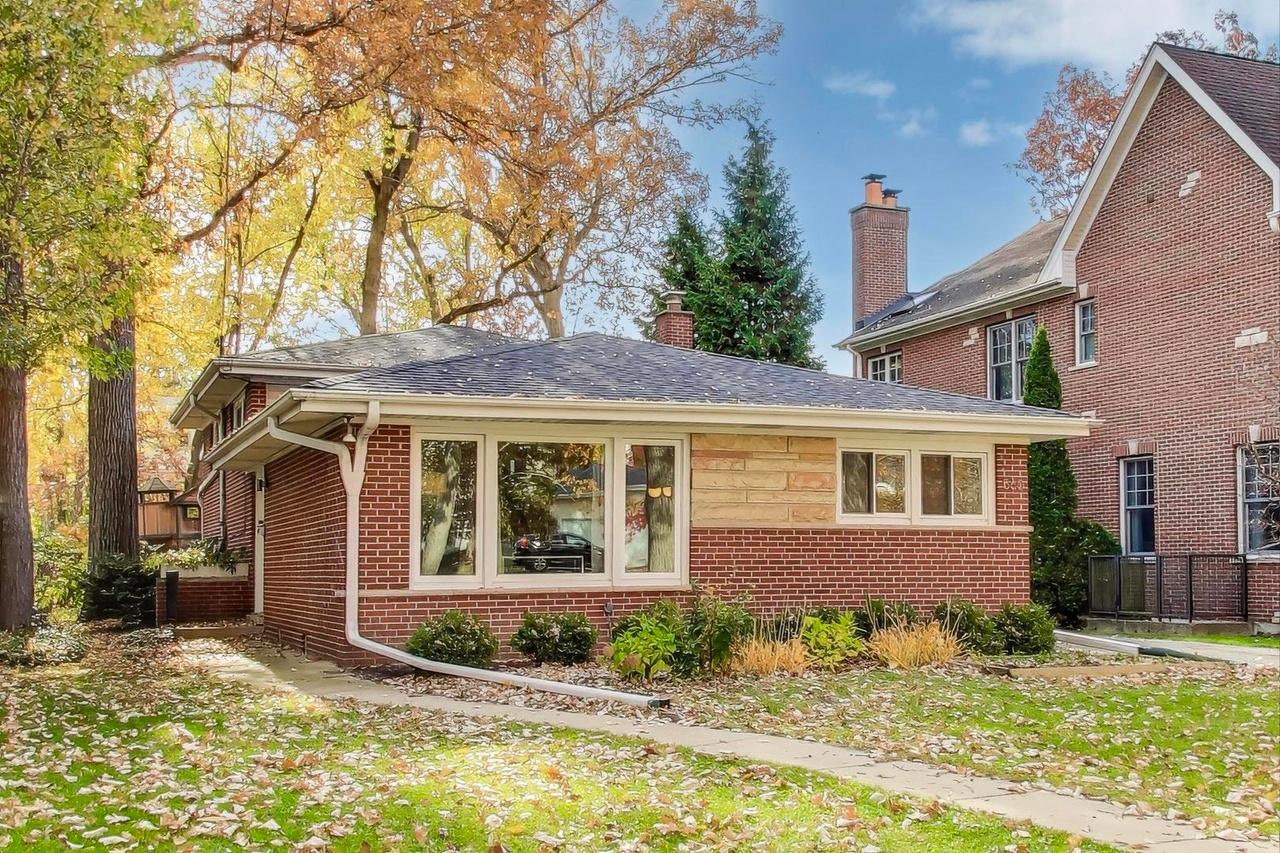
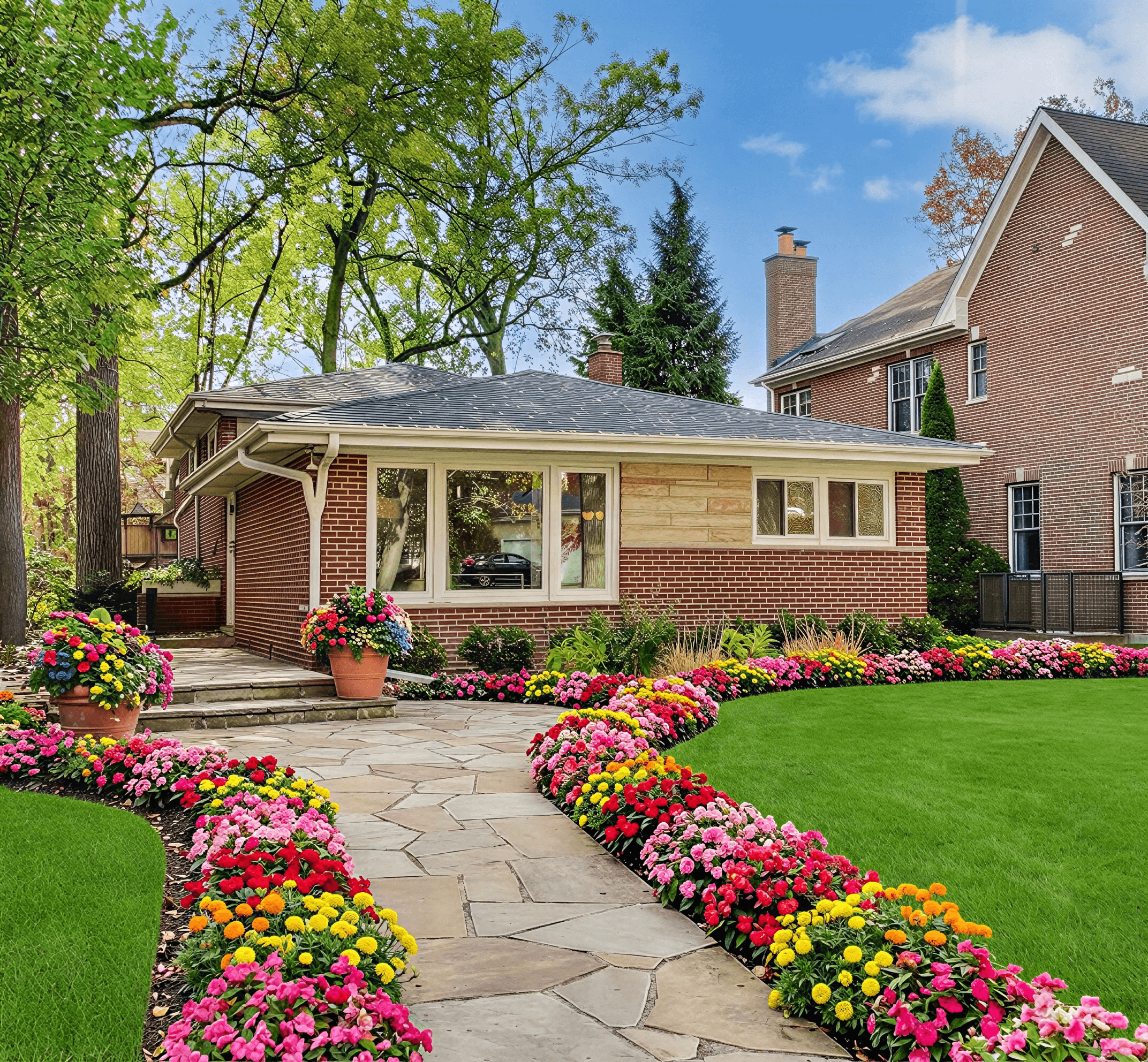
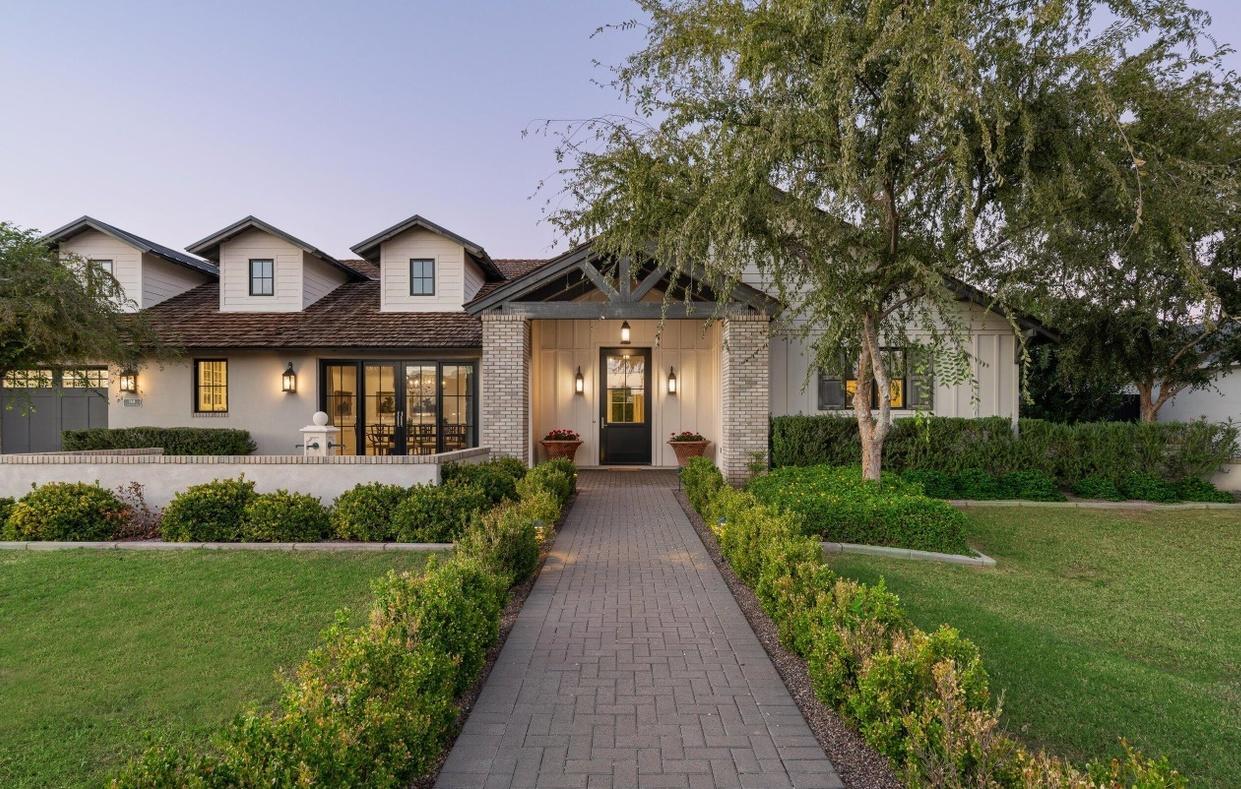
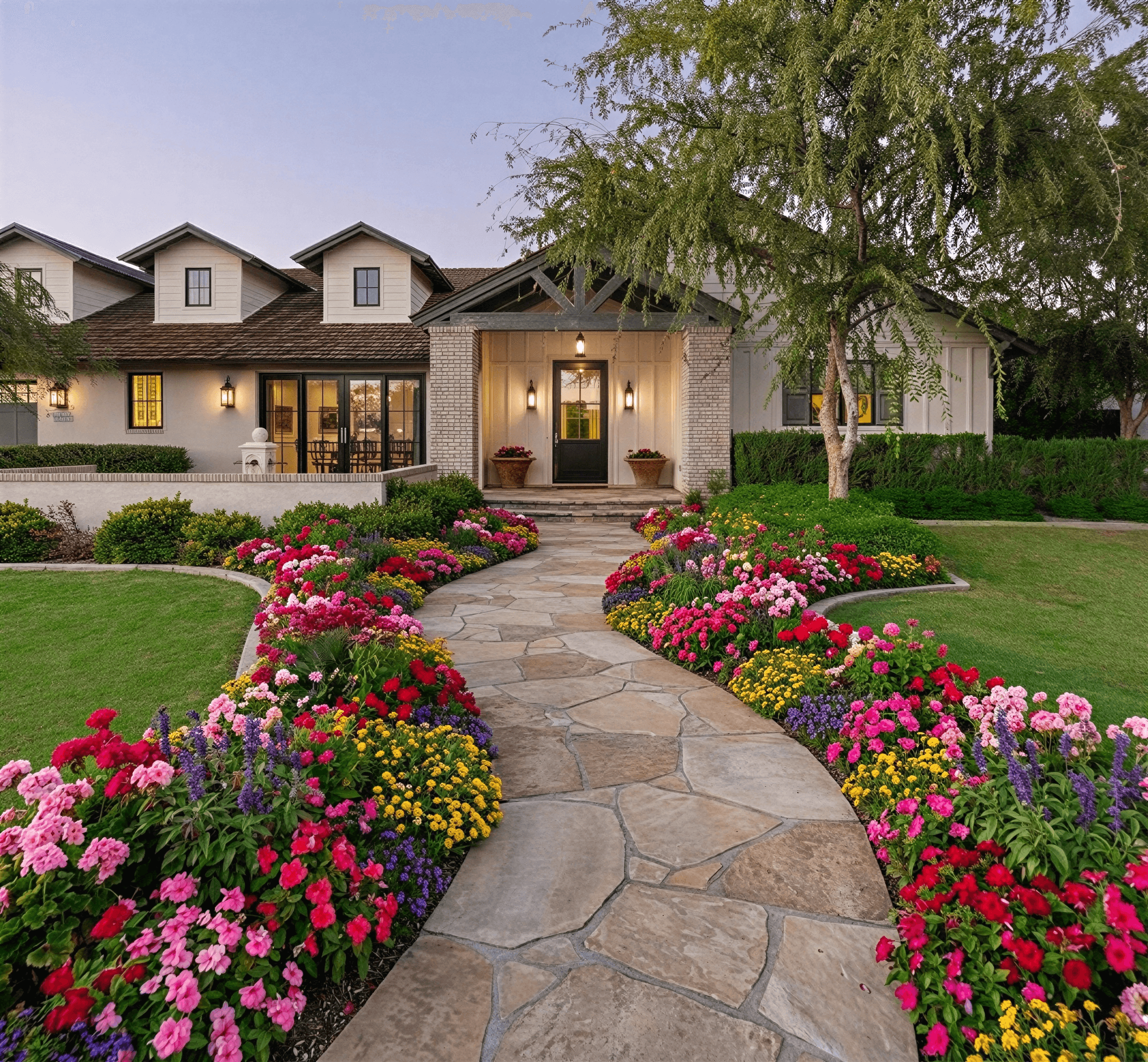
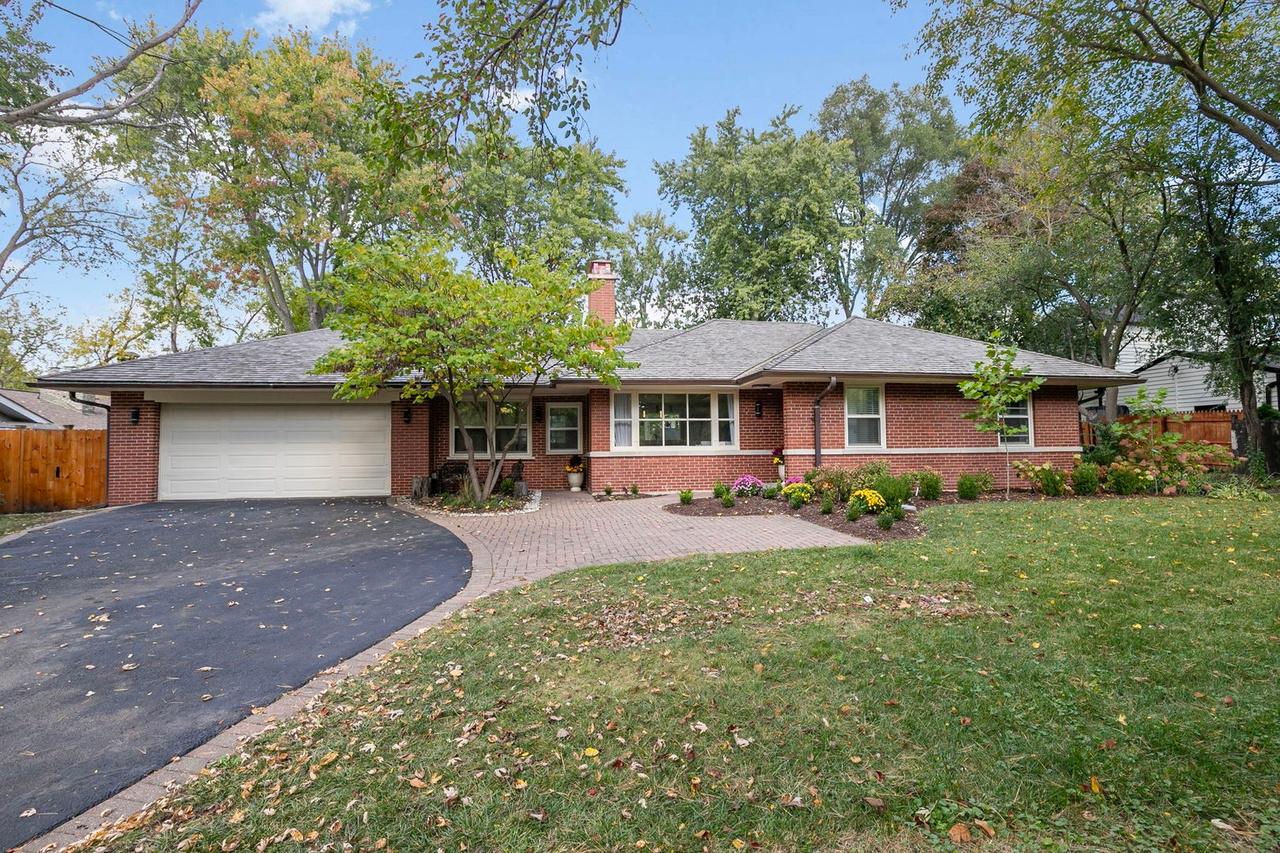
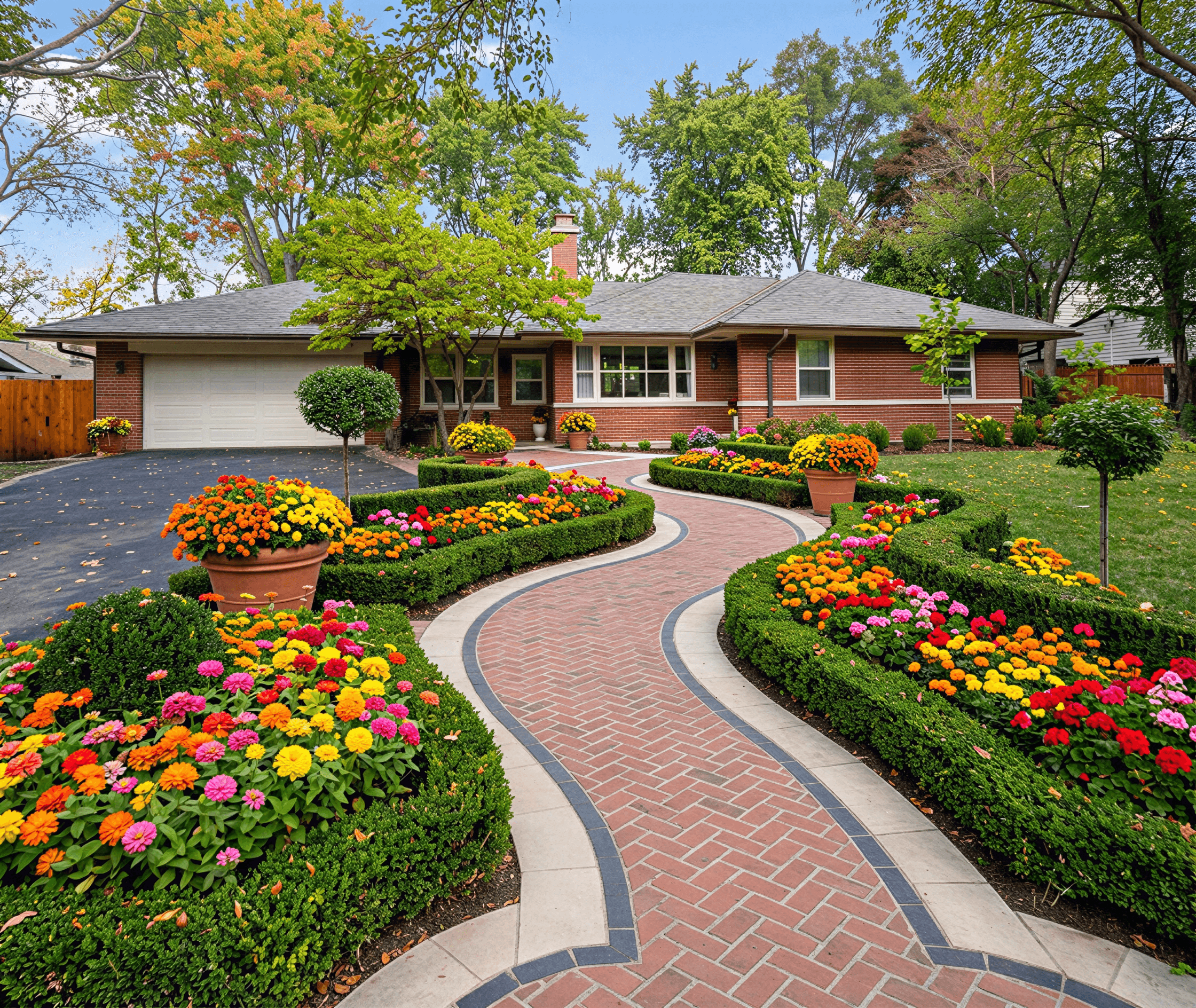
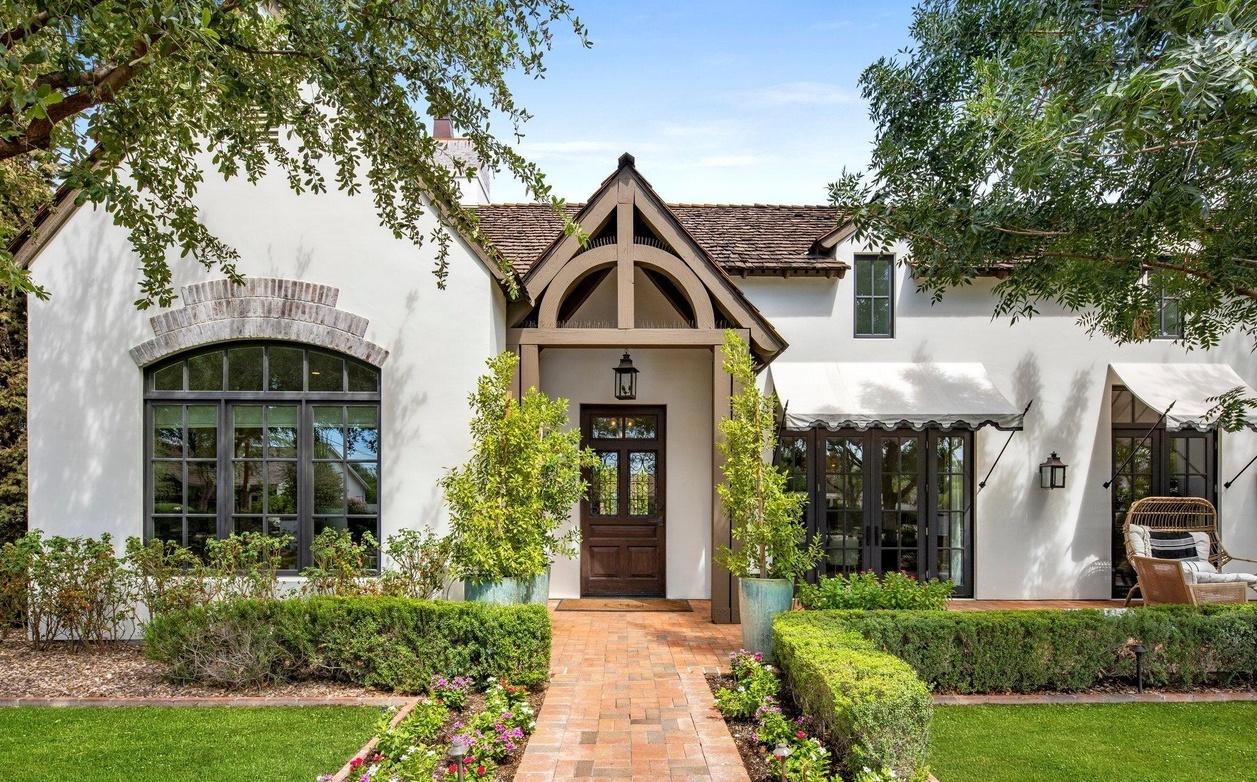
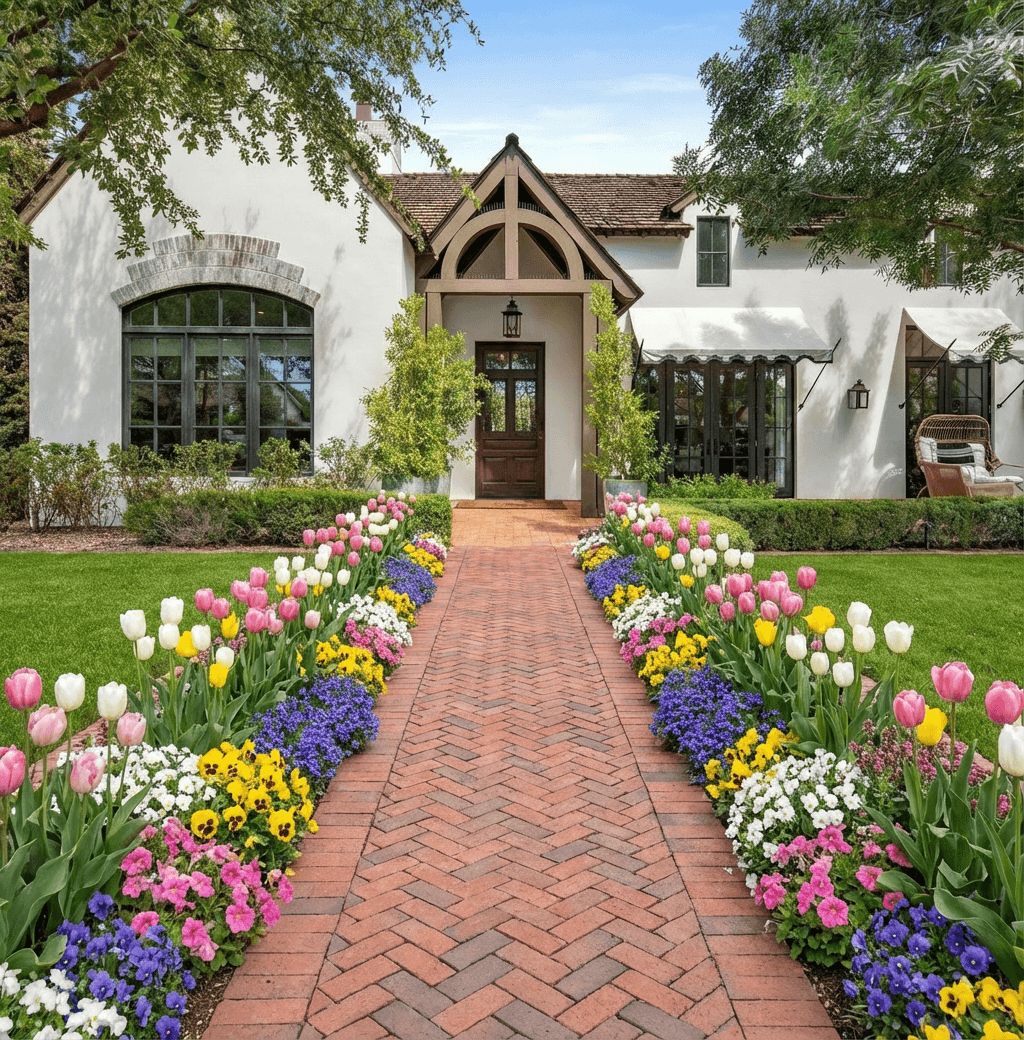
Curb Appeal AI helps homeowners preview yard changes before they start. Upload a clear photo of your yard and use the tool to visualize improvements like planting beds, paths, and lighting. Seeing options side-by-side makes it easier to choose materials, estimate costs, and plan maintenance.
Start with a clear plan and goals
Begin by defining what you want from your outdoor space—entertaining, low maintenance, or curb appeal upgrades—and take measurements and a few clear photos. Using ai yard design visualization tools like Curb Appeal AI makes early decisions less risky: upload a photo, add or remove elements, and compare different layouts. Prioritize circulation paths, views from windows, and how the design will age. Keep a short checklist of must-haves and nice-to-haves to guide edits so digital trials lead to practical, phased work on the ground.
Design ideas for small and large yards
Look for design ideas that fit your home’s style and scale, such as layered plantings for a cottage look or simple lines and gravel for a modern feel. With ai yard design visualization you can try different color palettes, focal points like a specimen tree or raised planter, and lighting arrangements without committing to purchases. Test concepts at full scale in the photo so you understand proportions and sightlines. Choose one or two focal elements to anchor the space and create a cohesive plan that can be implemented over time.
Choosing materials, plants, and hardscaping
When selecting materials, balance durability, maintenance, and local climate needs. Hardscape options—pavers, decomposed granite, concrete, or mulch—affect budget and long-term care, while plant choices should favor native or drought-tolerant varieties for easier upkeep. Use ai yard design visualization to preview textures and colors together before purchasing to avoid mismatched elements and reduce returns. Consider soil improvement, drainage, and irrigation needs when siting beds and trees so plants establish well and the finished composition requires less intervention.
Estimating costs and staying on budget
Break the project into categories: plants, hardscape materials, soil and irrigation, labor, and any permits. Use ai yard design visualization to lock in design decisions and then price items by category so you can see where savings matter most. Get at least two quotes for larger trades and price out small items online for accuracy. Include a contingency of around 10 to 20 percent for surprises, and consider phasing the work across seasons so higher-impact elements come first without overstretching your budget.
Maintenance, DIY or hire a professional
Routine maintenance and the choice to DIY or hire a pro depend on your available time, skill level, and the complexity of the plan. Simple tasks—planting small shrubs, mulching, and installing basic irrigation—are often suitable for DIY, while grading, drainage corrections, and electrical work for lighting should involve licensed contractors. Use ai yard design visualization to preview the finished landscape so you understand ongoing needs: lawn area, pruning frequency, and irrigation requirements. When in doubt, get a professional opinion and use the visual plan to request accurate quotes.
Frequently Asked Questions
What is ai yard design visualization and how does it work?
Ai yard design visualization is a tool that overlays proposed changes onto a photo of your existing yard so you can see potential results. You upload a photo, choose elements like plants, paths, or lighting, and the system generates realistic previews to help you compare options before buying materials or hiring contractors.
How accurate are the previews for sizing and placement?
Previews give a realistic sense of proportion and style, but they are based on a two-dimensional photo and may not account for elevation changes or hidden utilities. Use the visualizations to make design decisions, then confirm dimensions and site conditions on location before final purchases or construction.
Can I use my own photos and get plant suggestions?
Yes, most tools accept photos taken from your property so you can see designs in your actual context. Many platforms that provide ai yard design visualization will also suggest plant palettes suited to your climate and sun exposure, but double-check local hardiness and water needs before buying.
Do I still need a landscaper after using visualization tools?
Visualization tools help you refine ideas and create a clear brief, but professionals are useful for technical work like grading, drainage, and installing irrigation or lighting. Use the visual plan to get more accurate quotes and communicate expectations, then decide which tasks you can handle versus which require licensed trades.
Related Landscaping Ideas
Explore Professional Services Near You
Related Articles
Ai for Landscape Design: Elevate Outdoor with ai for landscape design Tools
ai for landscape design: Transform outdoor spaces with AI tools to craft stunning, climate-smart yard visuals.
How to Design for Front Yard Landscape: A Pro's Guide
Learn the complete design for front yard landscape process. Our guide covers site analysis, style, plant selection, and using AI tools for stunning results.
Your Guide to Effortless App Design Garden Makeovers
Transform your yard with our guide to using an app design garden tool. Learn how to visualize, plan, and create stunning landscapes with AI technology.
Real transformations
See how homeowners are using Curb Appeal AI to reimagine their properties