Landscape design free app: Unlock Your Landscape Vision 2026
Your yard probably does not look bad because you lack ideas. It usually looks unfinished because turning ideas into a plan feels expensive, technical, and easy to get wrong.
That is why the outdoor design free app category matters. A homeowner can stand in the driveway, take one photo, and start testing bed lines, pavers, shrubs, and entry planting without calling a designer first. That shift is not small. Mobile tools have moved into the mainstream, and homeowners now expect to sketch on their phones before they spend on plants or labor.
From Blank Slate to Dream Yard With Just Your Phone
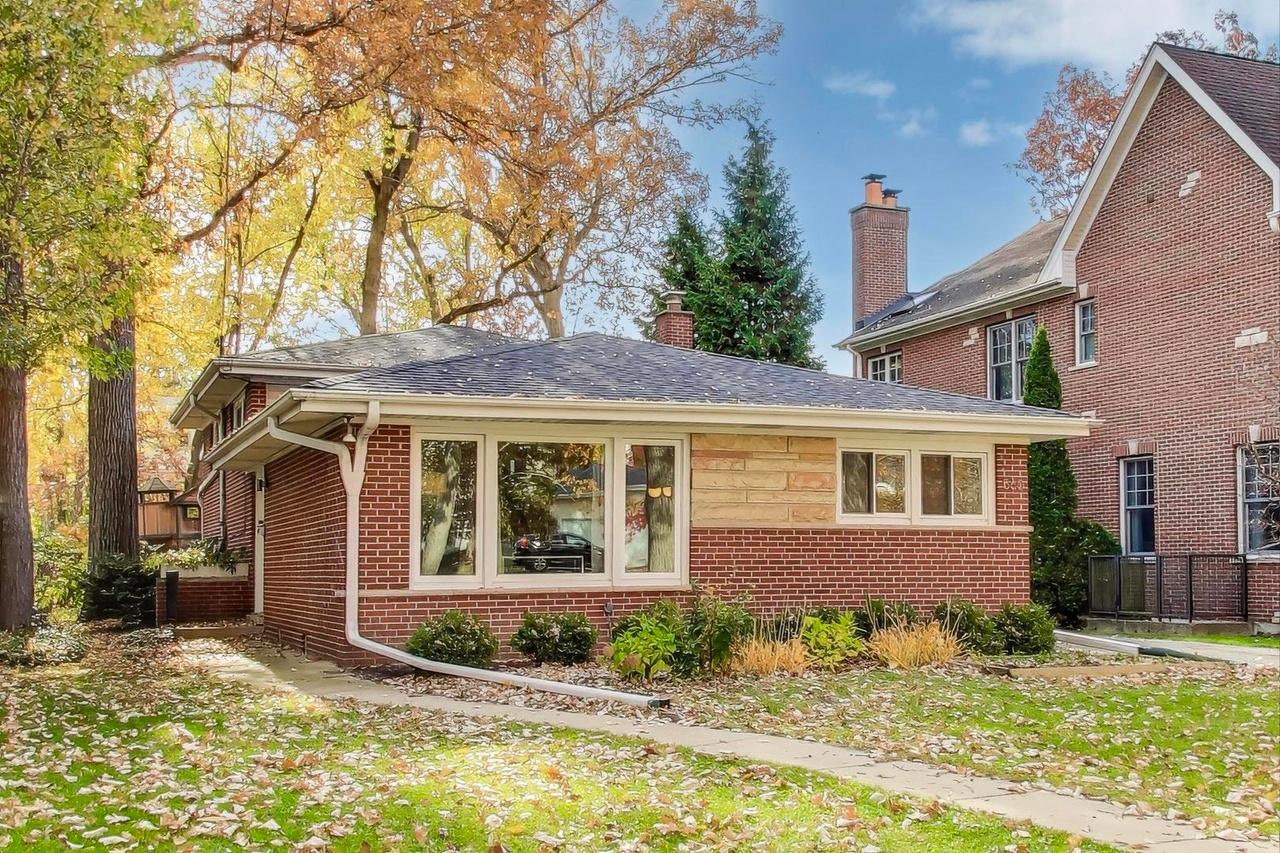
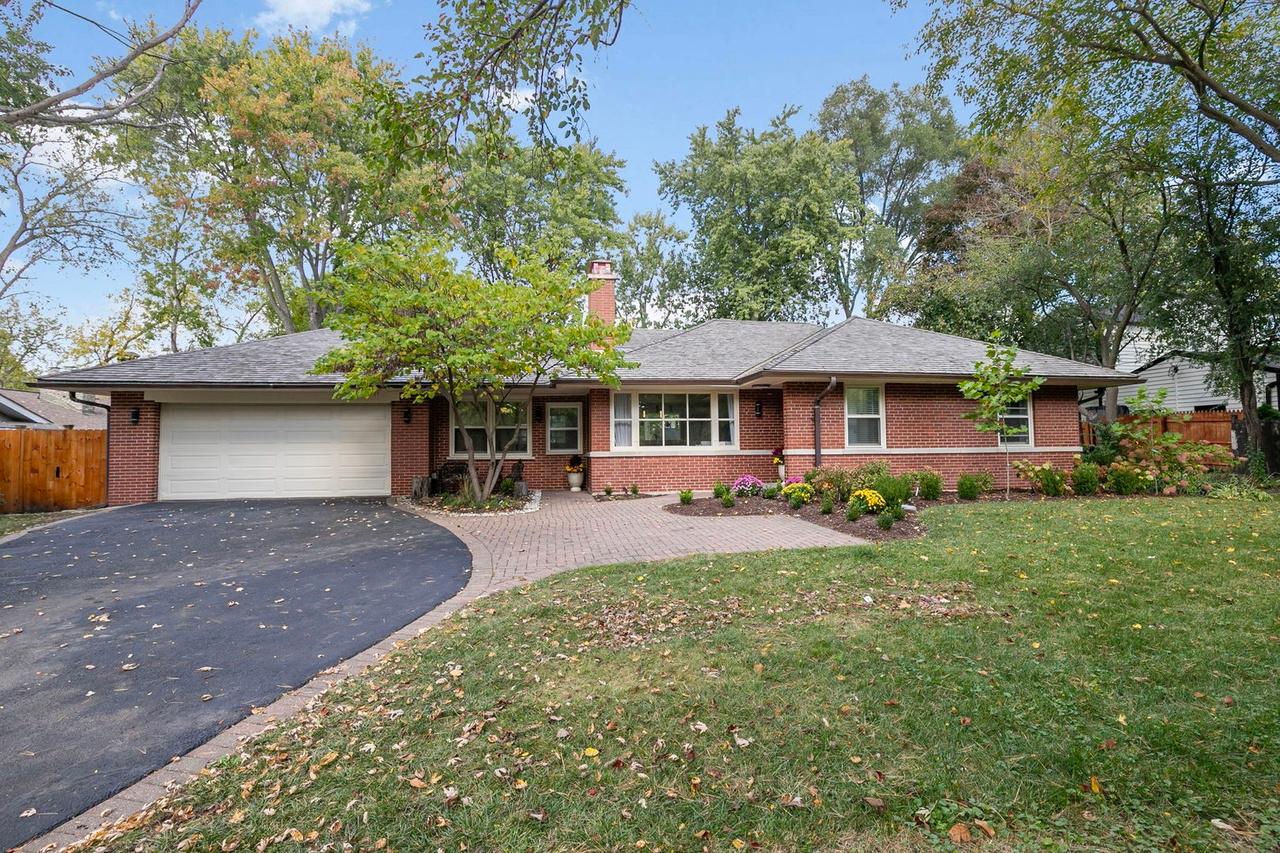
You are standing in the driveway with your phone, looking at a patchy lawn, tired shrubs, and a front walk that feels too small for the house. You know the space needs work. The hard part is deciding what to change first without wasting money on the wrong plants or a layout that looks good on screen and fails a season later.
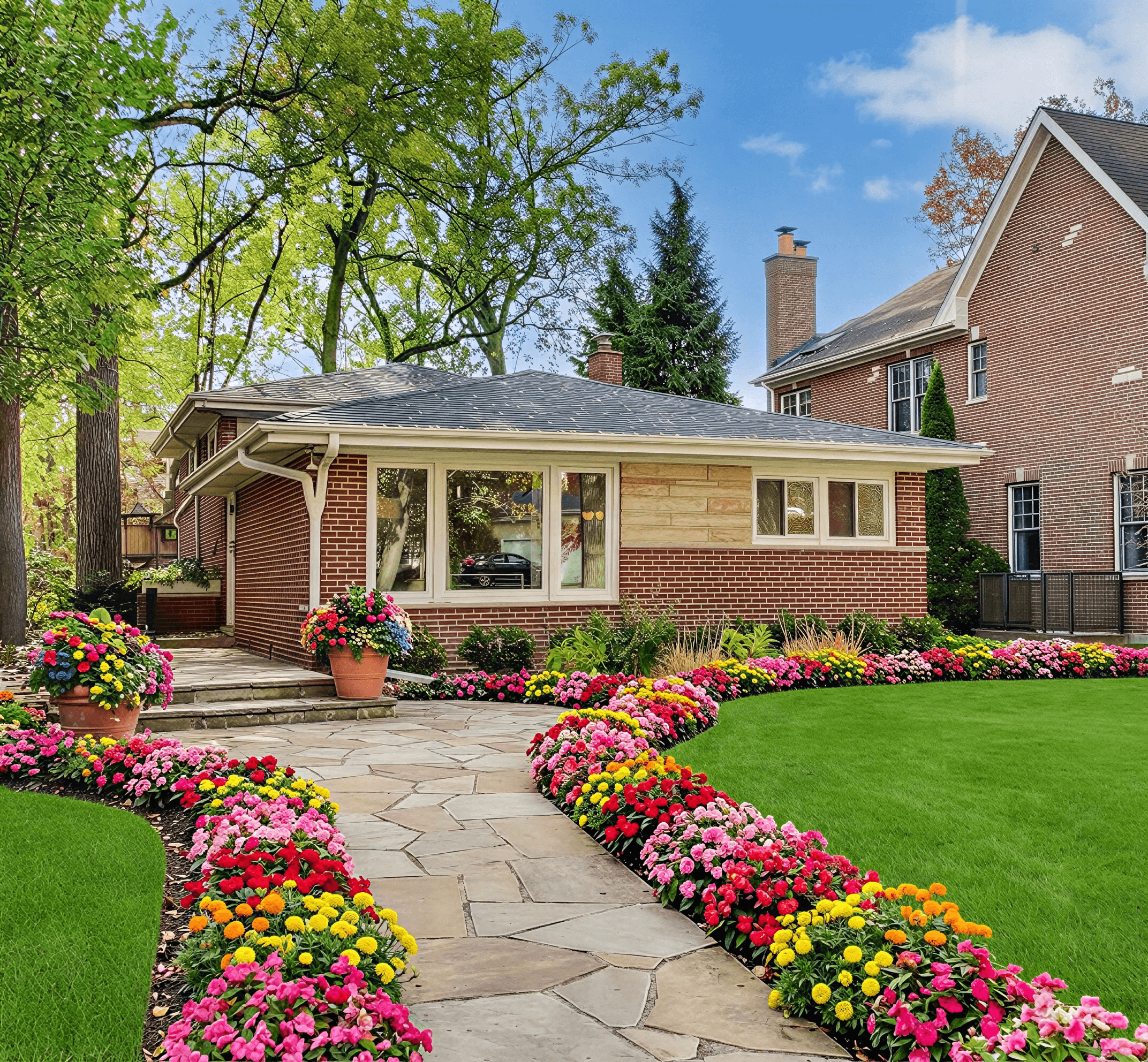
That is where phone-based design earns its keep. A good free app lets you start with a real photo, test bed lines, paths, and planting ideas, and get past the guesswork before you call in help or start buying materials.
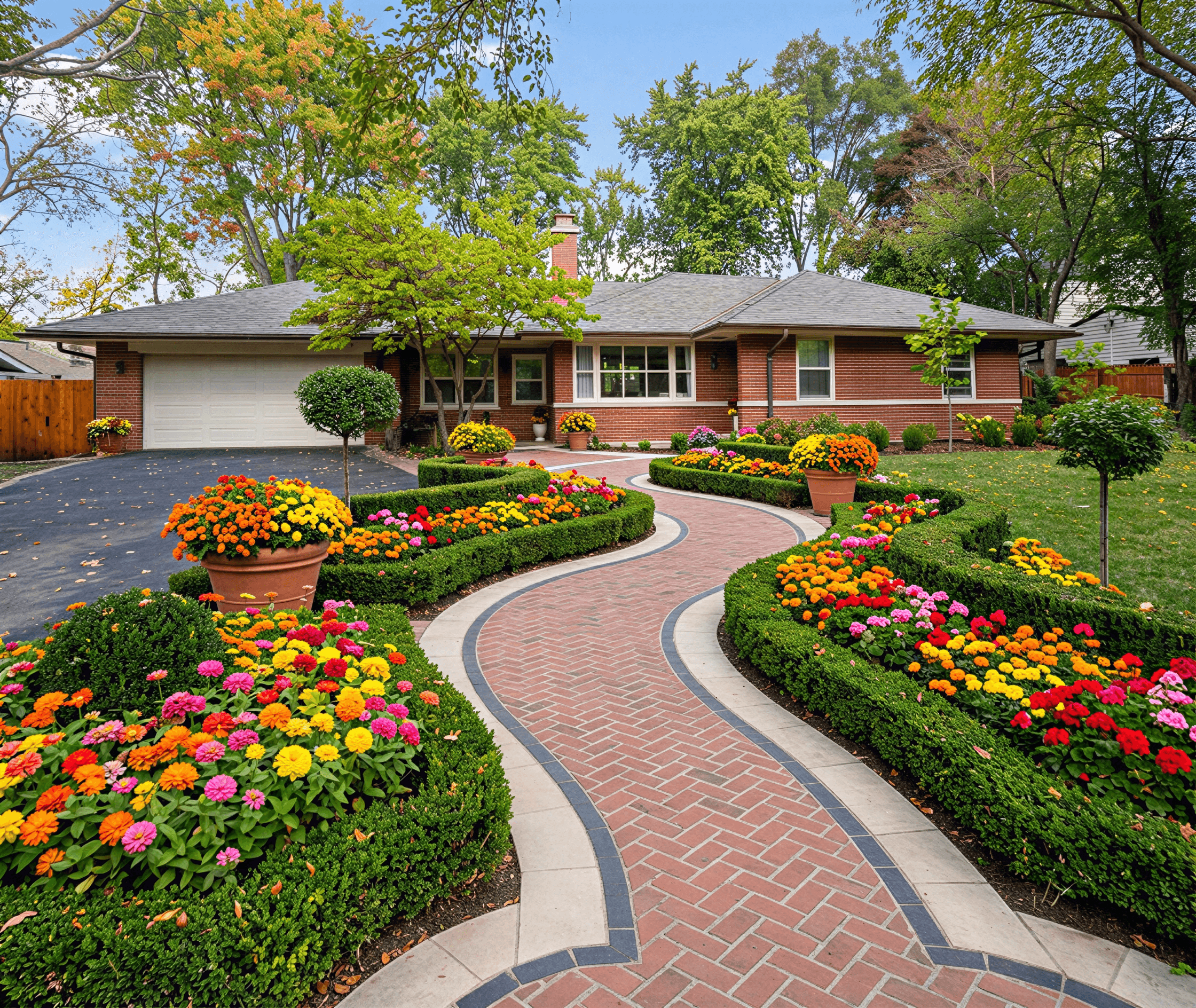
The biggest mistake I see at this stage is not color or style. It is plant choice. Homeowners drop in whatever looks good from a generic library, then find out the plant struggles in their heat, cold, wind, or sun exposure. That is why climate-zone awareness matters so much. The better tools now do more than paste pretty shrubs onto a picture. They help you choose options that fit your region, which is the difference between a plan you can build and a plan you will end up redoing.
If you want a starting point that shows how these tools handle real photos and AI-assisted mockups, this guide to a free yard design app for homeowners is a useful place to compare what you can do on a phone.
Why phone-first design works
A phone is often the fastest way to get honest feedback on a space. You take a straight-on photo of the front of the house, mark up the weak spots, and start testing changes against the proportions of your property.
That matters more than many homeowners expect.
A rough concept built on your own photo can answer the first round of practical questions fast:
- Does the front bed need to come farther off the house to avoid a flat, skimpy look?
- Would a wider walk improve the entry or eat up too much planting space?
- Do you need structure in winter from evergreen material, or would that make the facade feel boxed in?
- Are you choosing plants that can live in your zone and light conditions?
Those are the decisions that shape the budget. They also prevent the common first-project mistake of buying plants twice.
What a strong first draft should do
Your first design on a phone does not need to solve every detail. It needs to narrow the field.
I want a beginner design to do three things well. Show the layout clearly. Test whether the massing feels balanced against the house. Filter out plant ideas that are wrong for the climate before any money leaves your account.
That last part gets missed in a lot of free apps. A design can look polished and still be unrealistic if the plant palette ignores hardiness zone, heat tolerance, or mature size. Newer AI tools are getting better here because they can pair visual mockups with smarter suggestions instead of treating every yard like it sits in the same climate.
Start with the least flattering photo of the yard. If the design still looks solid on a dull, honest image, it usually holds up in real life.
Once you can point to a layout, a planting approach, and a climate-appropriate mix that makes sense for the house, the project stops feeling vague. It becomes a plan you can price, phase, and install with fewer expensive surprises.
The Essential Checklist for Choosing Your Free Design App
Not every free app deserves your time. Some look polished but leave you with a pretty picture and no realistic path to install it.
The smart way to choose is to ignore marketing language and check whether the app helps you make buildable decisions.

Essential Elements
I look for six things first.
-
Photo-based design: If you cannot upload a photo of your actual property, you are designing in the abstract. That can be fine for rough inspiration, but it is weak for scale, spacing, and curb appeal decisions.
-
Usable plant and hardscape library: A free tier does not need everything, but it needs enough variety to test the bones of a design. You should be able to try foundation shrubs, trees, path materials, edging, and a few accent options without hitting a wall immediately.
-
Simple export options: Even a free app should let you save or share a draft. A watermarked image is still useful for comparing options, discussing ideas with family, or building a quote request.
-
Device fit: Some apps feel better on a tablet. Others are built for phone use. If the tool fights your screen size, you will abandon it before the design gets good.
-
Beginner tolerance: A strong free app lets you make progress before you learn every feature. If the first session feels like software training, most homeowners quit.
-
Climate awareness: This is the one people skip, and it causes the most expensive mistakes.
The feature that matters more than most users realize
Many free apps can place a shrub on a photo. Far fewer help you decide whether that shrub belongs there.
That gap matters because many free apps lack automated, location-based suggestions for thriving plants, and 40 to 60 percent of new outdoor plantings fail within five years due to poor zone matching according to Curb Appeal AI’s review of free exterior design apps. When an app makes you do all plant viability research manually, convenience disappears fast.
A generic library creates two common problems:
- You design with plants that look right in the render but struggle in your climate.
- You swap in safer plants later, and the final installed yard no longer resembles the design you approved.
What works better than a generic plant picker
If you are comparing tools, put extra weight on any app that blends visualization with hardiness-zone logic. That is where newer AI tools are more useful than many older free design apps.
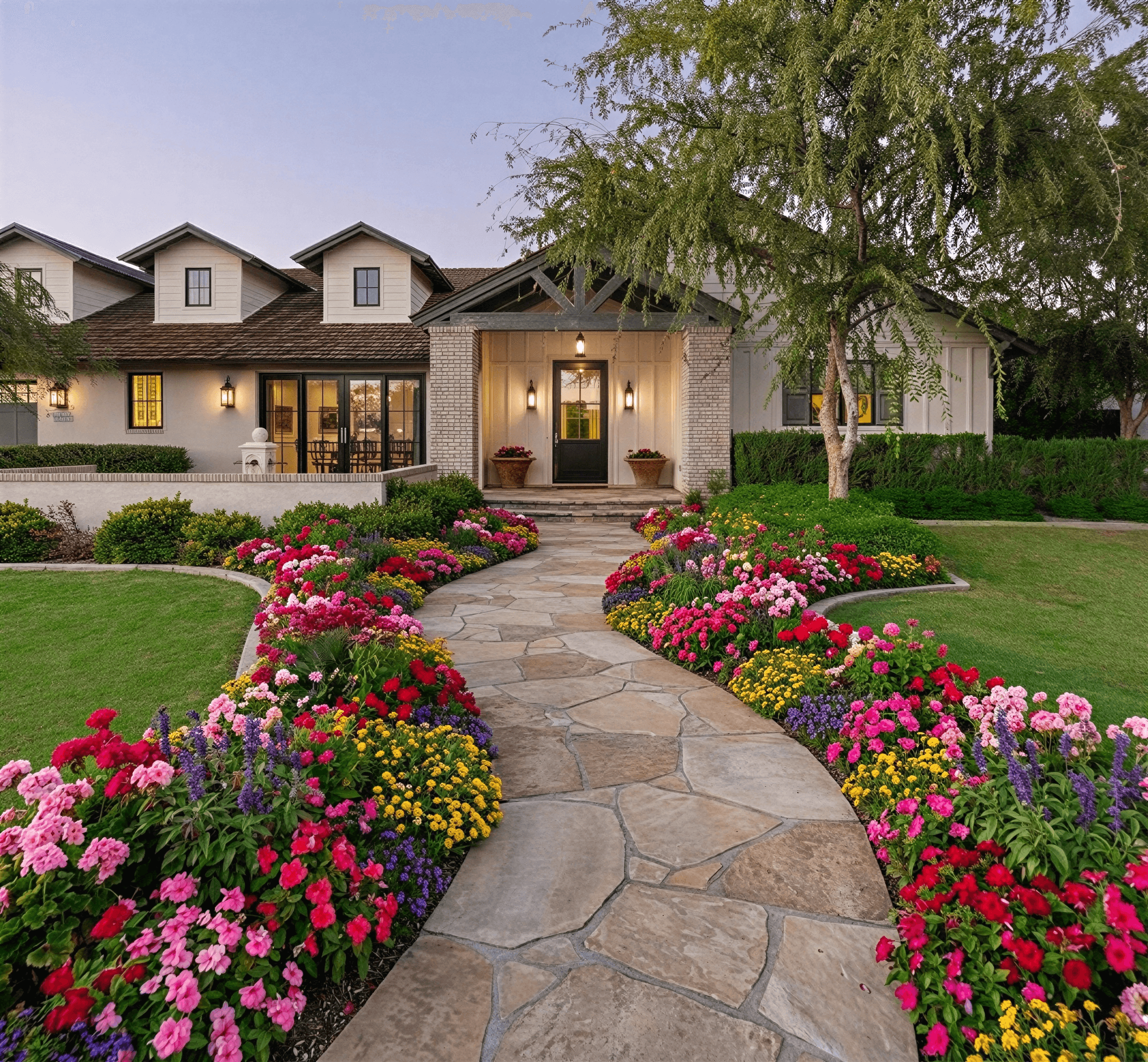
A practical example is Curb Appeal AI, which analyzes a property photo, applies style directions, and uses climate-aware recommendations rather than asking the user to guess from a generic catalog. That approach addresses the exact weak point many free tools still leave unresolved.
A quick way to compare options is this:
| App trait | Useful for inspiration | Useful for real-world planning |
|---|---|---|
| Photo upload | Yes | Yes |
| Style presets | Yes | Yes |
| Broad object library | Yes | Yes |
| Exportable render | Yes | Yes |
| Climate-aware plant suggestions | Sometimes | Essential |
A render is only half the job. The other half is whether the planting list survives your site.
If you only want mood-board energy, many free tools will work. If you want a design you can install without painful substitutions, choose one that treats plant viability as part of design, not a separate homework assignment.
A Practical Workflow From Photo to Photorealistic Design
The fastest way to get value from an outdoor design free app is to stop treating it like a drawing program. Use it like a rapid-testing tool.
The workflow is simple. Capture one solid photo, generate a few distinct directions, eliminate what does not fit the house, then refine only the strongest option.

Start with the photo, not the plant list
Photo quality changes everything.
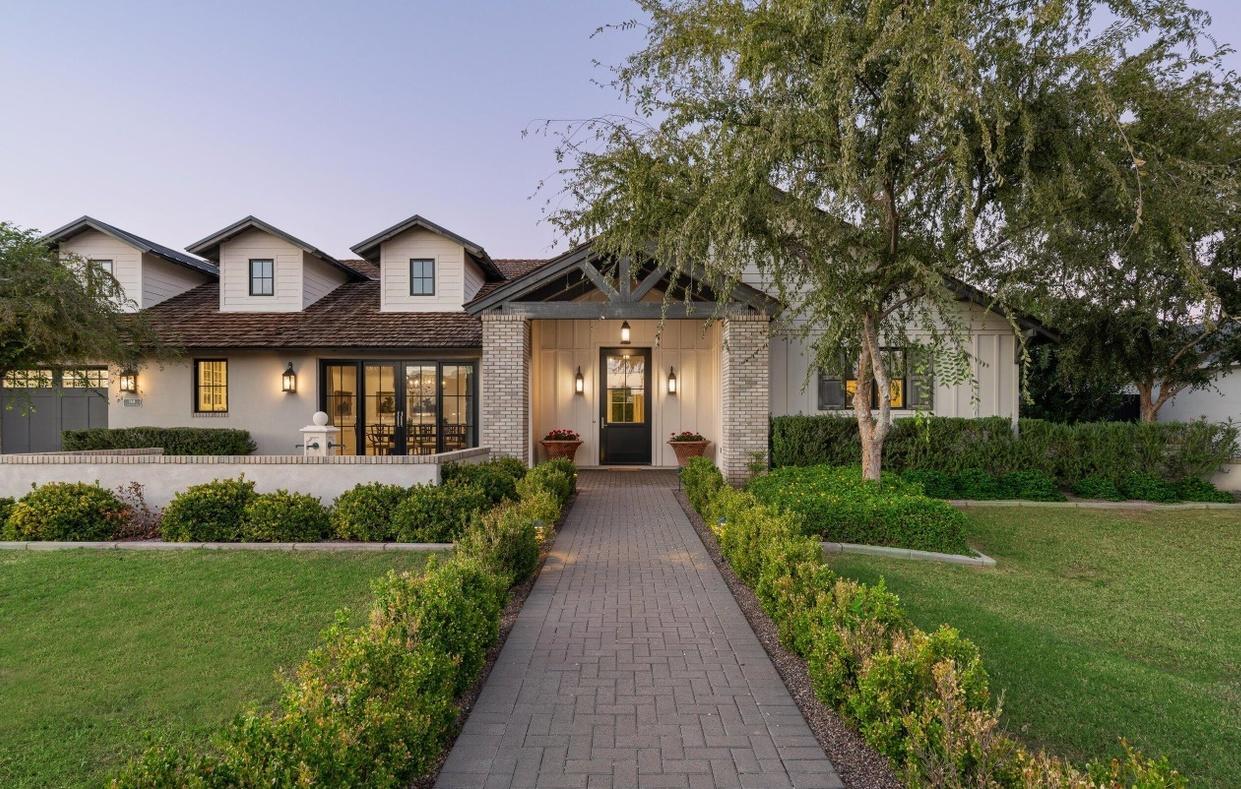
Use a straight-on view of the part of the yard you want to improve. Include the house entry, walkway, bed edges, and enough of the surrounding area to show proportion. Avoid deep shadows if you can.
Apps built around photo overlays and AI rendering move faster because they skip the blank-canvas stage. That is one reason app-based design can reduce design iteration time by up to 70 percent for DIY users compared to manual sketching or complex desktop software, based on user benchmarks cited by OutdoorBrite's review of free design apps.
Build three directions, not one
Most beginners lock onto the first decent idea. That usually leads to safe, forgettable design.
Instead, generate three directions with clear differences:
-
Structured and clean Strong bed lines, fewer plant types, a restrained palette.
-
Soft and layered More texture, more depth at the foundation, looser transitions.
-
Low-water or low-maintenance Fewer fussy plants, durable materials, simpler upkeep.
If you want a photo-upload workflow built for quick concepting, this guide to a outdoor design app with photo upload is a useful reference point for how that process should feel.
Use style as a filter
A house usually tells you what belongs.
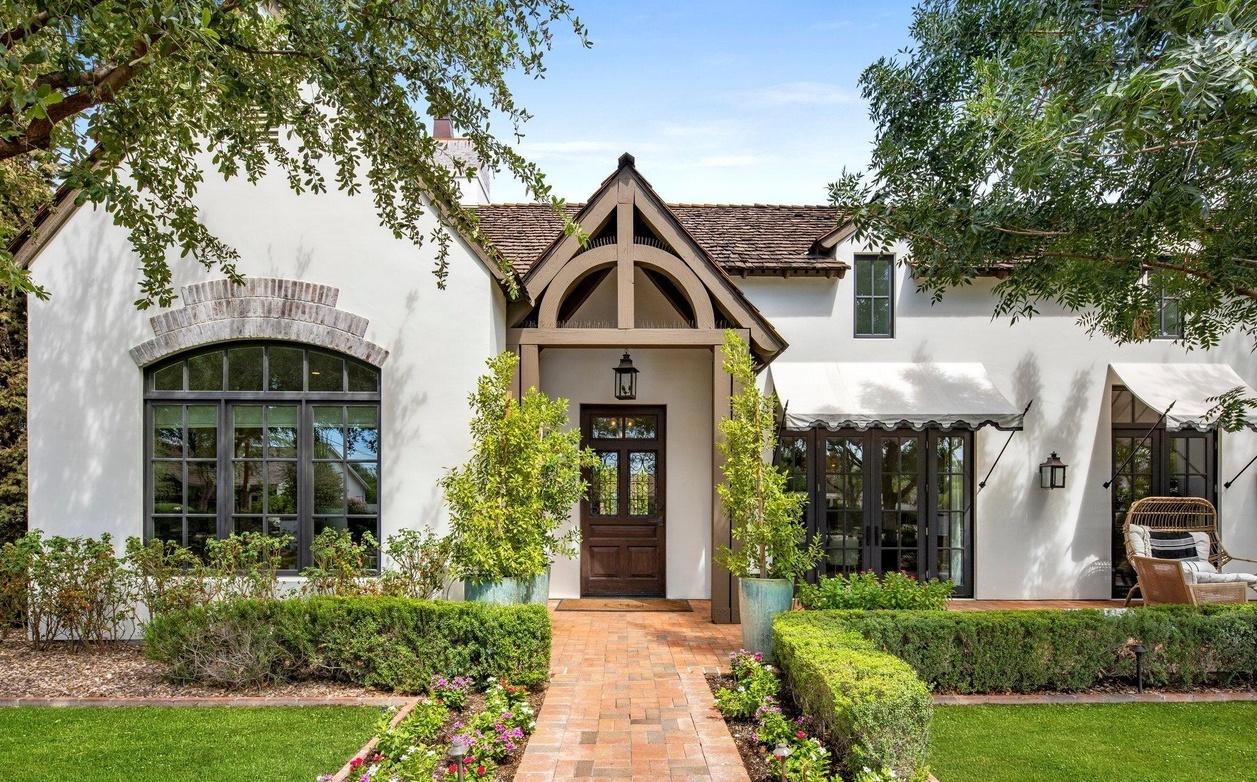
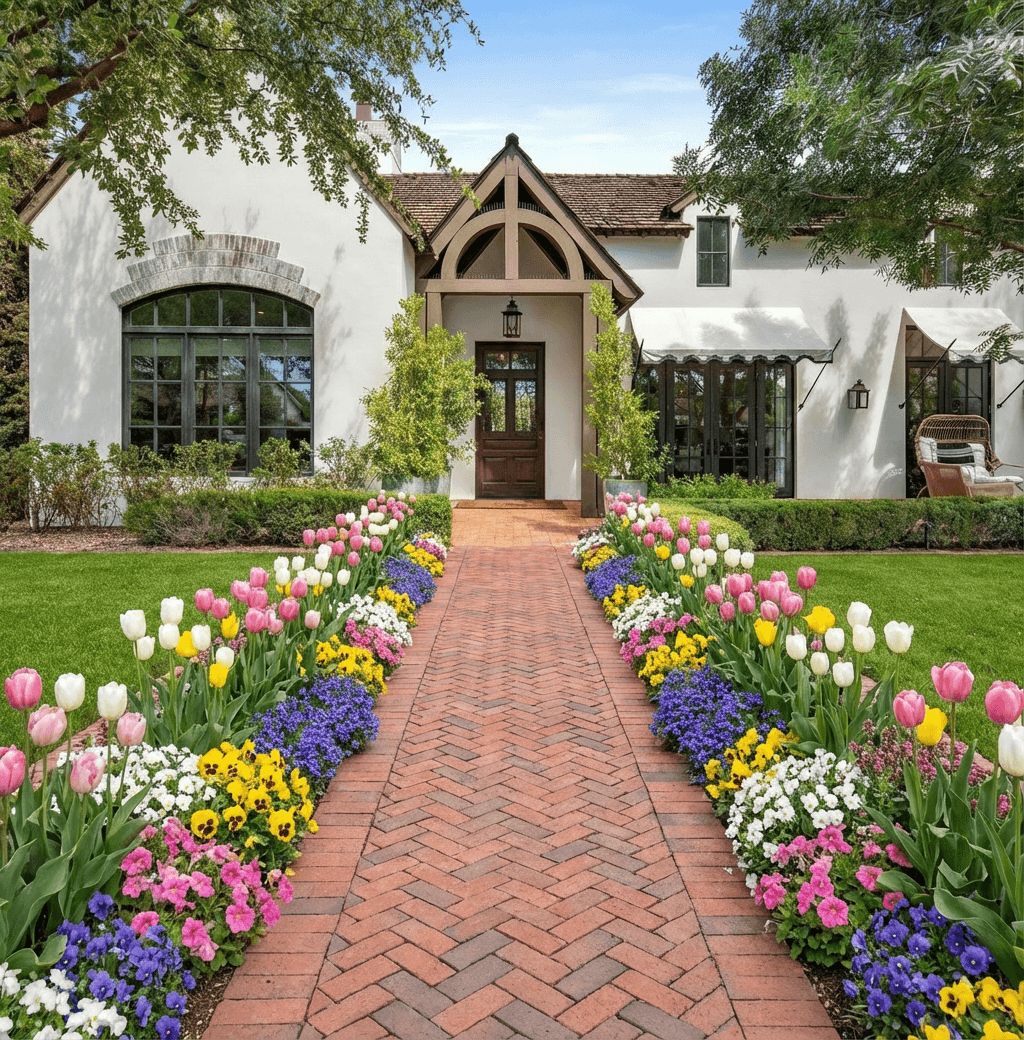
A crisp modern facade can carry bolder masses, simpler plant groupings, and cleaner paving geometry. A cottage-style home tends to accept softer layering and more seasonal color. A ranch home often benefits from longer, lower planting compositions that stretch the facade.
AI-assisted tools can help in such situations. They let you test style families quickly without rebuilding the entire scene every time.
Validate the plants before you get attached
This is the step most users rush past, then regret later.
Once a render feels right, pause and inspect the planting choices. Look up each suggested plant in a trusted plant database so you can confirm growth habit, care needs, and whether the visual balance in the render still makes sense once those plants mature.
That extra check keeps you from approving a design that looks tidy in year one and crowded by year three.
Refine with a practical eye
At this stage, stop thinking like a browser and start thinking like an installer.
Ask:
- Can someone access these beds for planting and maintenance?
- Does the walkway width feel comfortable from the curb to the front door?
- Are the focal plants doing too much near windows or steps?
- Will the design still read well in the off-season if flowers are gone?
One useful approach is to mark up the render after export. Circle the plants you love. Cross out the elements that feel decorative but unnecessary. Then rerun one cleaner version.
The strongest render is rarely the one with the most elements. It is the one where every element earns its place.
A free trial can take you surprisingly far if you use it this way. You are not chasing a final blueprint. You are narrowing the field until one concept feels realistic, attractive, and suitable for your site.
How to Overcome the Limitations of a Free App
Free apps are useful, but they come with strings attached. The trick is knowing which limitations matter now and which ones only matter later.
Many users get frustrated too early because they expect the free tier to behave like a production tool. It usually works better as a planning tool.

Work around the watermark
A watermark is annoying, but it does not ruin the design process.
Use watermarked exports for internal decision-making. They are fine for comparing options, collecting family feedback, and deciding whether you prefer a minimal layout or a fuller planting scheme. If you are building a mood board, crop to the area that shows the key decision, such as the entry path or front foundation.
Fill gaps in a limited library
A thin object library creates a common trap. Users substitute whatever looks close, then mistake the substitute for the final specification.
A better method is to design by role, not by exact item.
- Use a placeholder shrub to represent mass and height.
- Use a generic ornamental tree to test canopy and focal balance.
- Use a similar paving texture to judge contrast and pattern.
Once the composition works, replace placeholders with real-world equivalents during planning.
Treat low resolution as a draft tool
Free exports are often good enough to evaluate layout and visual weight. They are not always good enough for presentation.
That does not mean they are useless. Zoom out and judge the design as a whole. If the render still reads clearly from a smaller view, the composition is probably working. If it only looks good when you ignore fuzzy details, the structure may be weak.
Keep a separate decision list
One thing free apps rarely handle well is project memory. You may generate a design you like, but then lose track of which version had the better path layout or the more believable plant mix.
Use a simple note alongside each saved render:
| Saved image | What worked | What to change |
|---|---|---|
| Option A | Better bed shape near entry | Tree feels too close to window |
| Option B | Cleaner path alignment | Planting too sparse |
| Option C | Strong focal point | Hardscape looks heavy |
Free tools work best when you separate visual exploration from final specification.
That mindset keeps you moving. You use the free app to solve concept problems first. You handle exact materials, final plant selection, and presentation polish only after the design direction is clear.
Knowing When to Upgrade to a Paid Plan
There is no prize for staying free longer than the project allows. A paid plan makes sense when the missing feature blocks a real next step.
The easiest way to decide is to tie the upgrade to the job you need the render to do.

Upgrade when the image leaves your personal workflow
If the design is only for your own planning, a free version often goes far enough.
Upgrade when you need a cleaner file for someone else. Contractors, agents, and clients respond better to a polished render than to a watermarked draft with missing detail.
Three clear triggers
-
You are requesting bids A clearer render reduces back-and-forth. It helps contractors understand intent before they quote materials and labor.
-
You need presentation-grade visuals Real estate listings, investor decks, and client proposals usually need cleaner exports and broader usage rights.
-
You want to compare serious alternatives If you are deciding between several distinct styles, a paid tier can be worth it because it opens more variations and sharper exports.
When free is still the right call
Do not upgrade just because you are curious about extra features.
Stay on the free plan if you are still deciding whether the yard needs a refresh at all, if you are testing broad layout ideas, or if you have not yet settled on the style direction. At that stage, the bottleneck is taste and decision-making, not output quality.
The practical question is simple. Will paying now remove friction from the next action you need to take?
If yes, upgrade. If not, keep iterating for free until the concept is stable.
Handing Your Design to a Contractor or Real Estate Agent
The handoff matters most when someone else has to price, build, or market what you mocked up on your phone.
A good render saves time only if it answers the questions a contractor or agent will ask right away. What stays. What changes. Which materials are part of the idea, and which ones are still flexible. I have seen plenty of homeowners send a beautiful image that stalls the conversation because the planting shown would never survive the local climate. That is one place newer AI tools are helping. They can flag zone mismatches early, so the concept you share is closer to something a pro can use.
Send the image with a short written brief. Keep it practical.
Include:
- Planting intent such as evergreen structure, seasonal color, pollinator support, or low-water choices that fit your climate zone
- Material direction such as gravel, pavers, poured concrete, mulch, or natural stone
- Project priorities such as privacy, easier upkeep, drainage improvement, curb appeal before listing, or safer access to the front door
- Elements to keep such as a mature tree, existing lighting, irrigation lines, or the current walkway footprint
- Known constraints such as HOA rules, pet use, sun exposure, soggy soil, or a hard budget cap
That combination turns a pretty image into a working starting point.
Contractors do not need a perfect concept. They need enough clarity to estimate labor, spot conflicts, and suggest better build methods. If you are collecting bids, pair the render with a simple scope and compare your numbers with guides on free landscaping estimates. It helps separate design intent from costs that will move the budget fast, like grading, drainage, demolition, and hardscape prep.
For agents and sellers, the standard is different. The image does not need construction-level precision. It needs to show believable improvement without creating false expectations. A cleaner front entry, a simpler planting bed, and region-appropriate greenery usually do more than an overdesigned concept filled with plants that would struggle in that yard.
If you want a clearer sense of where a visual concept ends and paid help begins, this guide to professional exterior design services is useful.
The best handoff gives the next person something they can act on, not just admire.
A free yard design app can get you there. If the tool also accounts for climate-zone fit, your render is far more likely to survive the first real conversation with a contractor, nursery, or listing agent.
If you want a photo-based tool that focuses on exterior visualization and climate-aware planting logic, try Curb Appeal AI. It lets you upload a property photo, explore different exterior styles, and create photorealistic concepts you can refine before you buy materials or schedule labor.