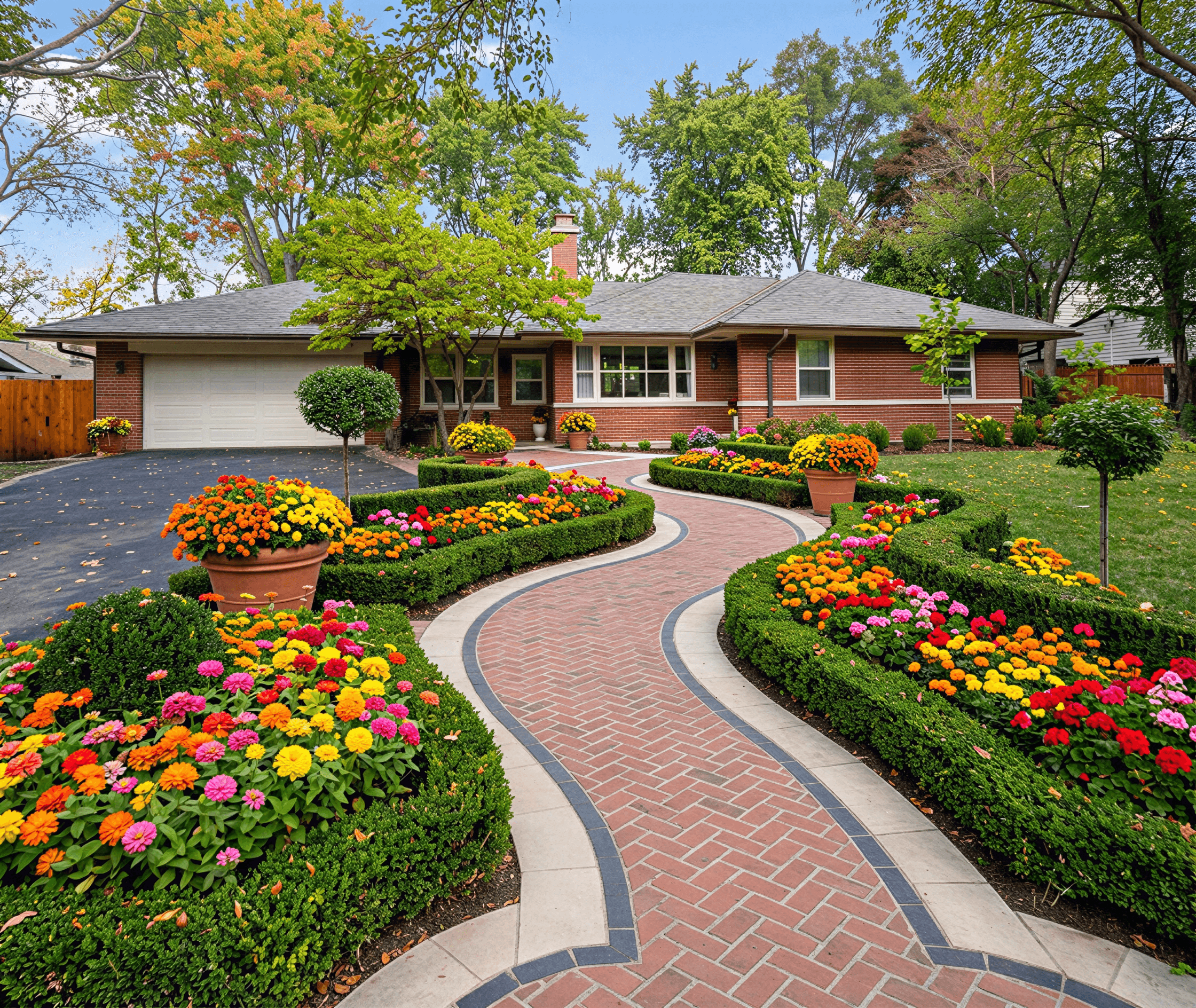
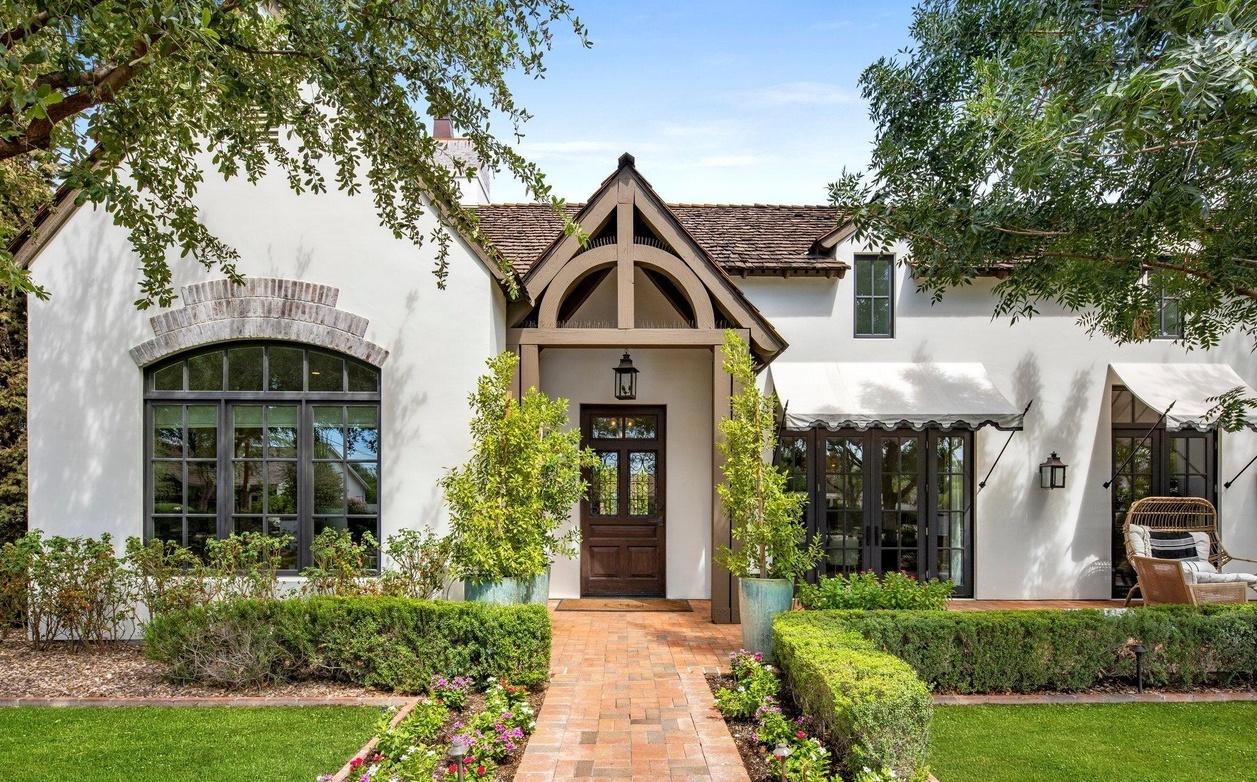
Home Exterior Design Tool: AI for Stunning Renders
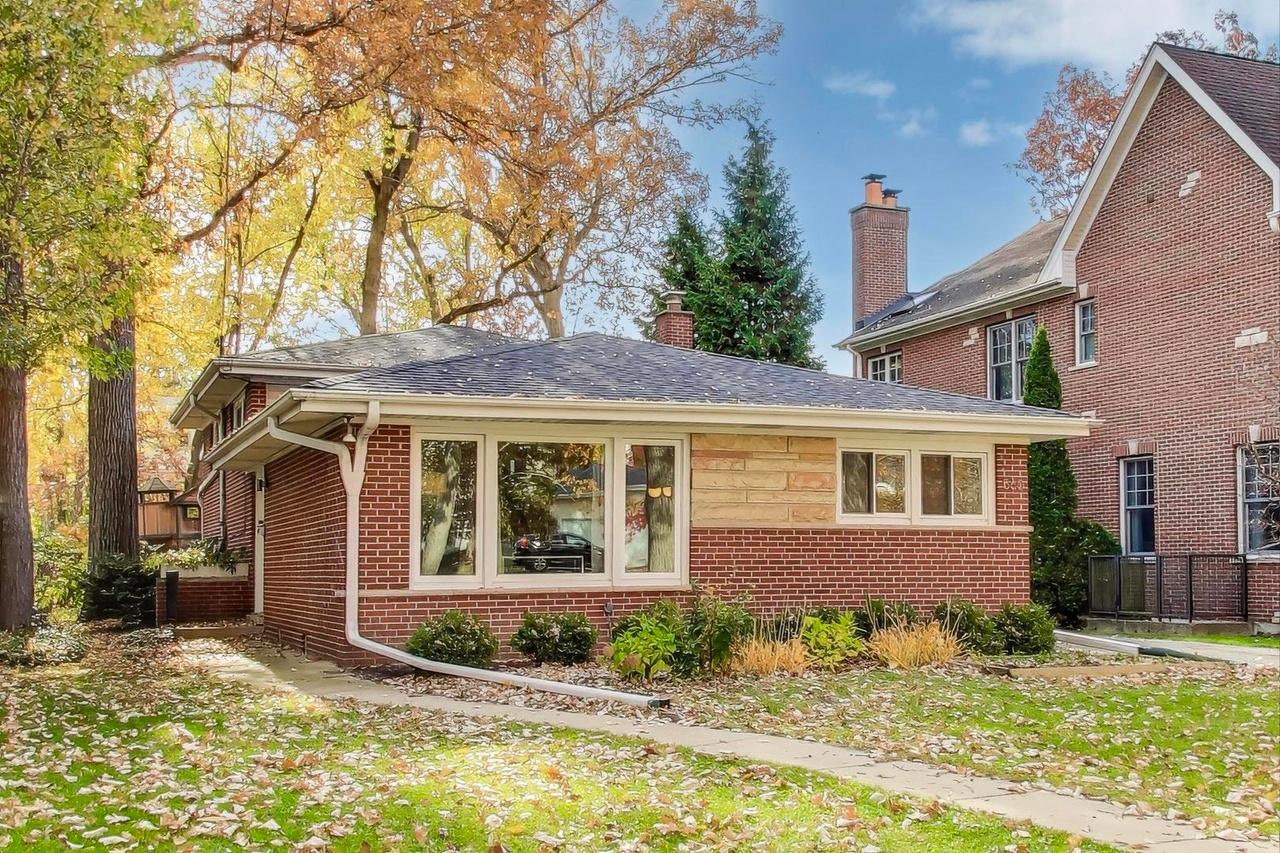
You walk up to your house, stare at the front yard, and think, “Something’s off.”
Maybe the shrubs feel dated. Maybe the siding color never looked quite right. Maybe the entry path is fine, but not inviting. You know the exterior could look better, but every option seems risky once real money is involved. A new plant bed sounds great until you realize the plants may not survive. A fresh facade sounds exciting until you wonder whether the style will clash with the roof, windows, or neighborhood.
That hesitation is common. Exterior projects are hard to picture because you're trying to redesign a real, lived-in place, not a blank canvas. Most homeowners don't need more inspiration. They need a way to test ideas safely before buying materials, hiring contractors, or digging up a yard.
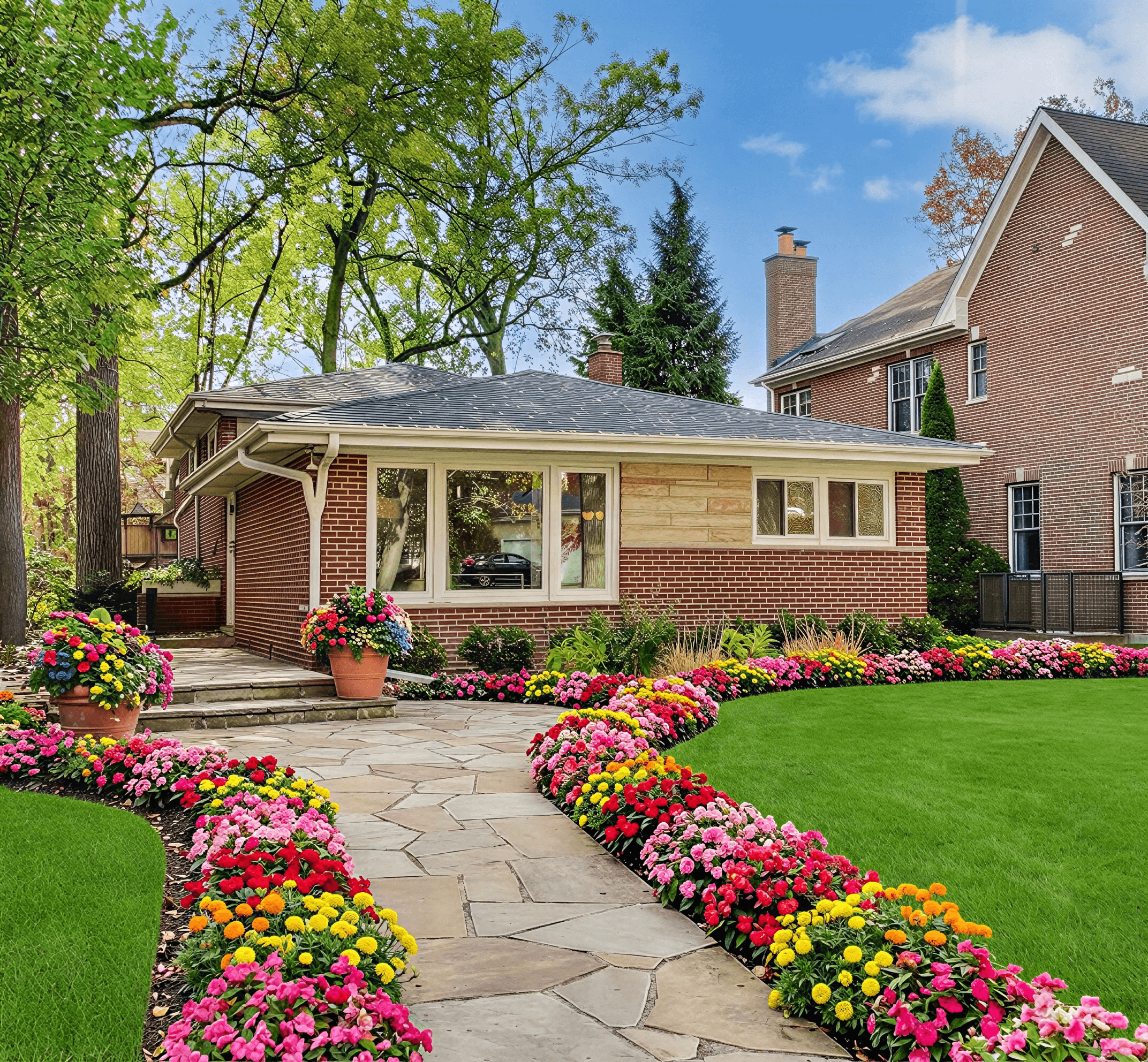
A modern home exterior design tool solves that first problem. It turns a photo of your house into something you can experiment with. You can try colors, materials, layouts, and planting styles before committing. What's more, the smarter tools go beyond pretty mockups and help you avoid choices that won't work where you live.
That matters more than many people realize. A 2025 Houzz report noted that 62% of homeowners regret landscaping choices due to plant die-off from mismatched climates, and only 18% of digital design tools offer zone-specific advice according to Hover’s exterior design overview. In plain English, a design can look beautiful on screen and still fail in your yard.
The best tools don't just help you imagine. They help you choose designs that can hold up, grow in place, and make sense for your climate.
Visualize Your Home’s Future Before You Build It
You’re standing in the driveway on a Saturday morning, coffee in hand, looking at the front of your house. The entry feels plain. The color feels dated. You can picture a better version, but every choice seems expensive once it leaves your head and becomes a purchase order.
One homeowner described it to me this way. She had saved dozens of ideas: cottage-style planting, crisp white trim, darker shutters, stone near the entry, and a brighter front door. The problem was not taste. The problem was translation. Inspiration photos showed someone else’s home, in someone else’s climate, with different light, rooflines, and maintenance demands.
A home exterior design tool solves that gap by turning your house into the test model. You upload a photo and try options on the facade you live with. The questions get more useful right away. Instead of asking whether black shutters look nice in general, you can see whether they feel too heavy next to your brick, porch posts, and roof color.
Why the planting plan often becomes the costly mistake
Siding and paint choices are obviously tricky. Fewer homeowners anticipate that plants will be the more expensive mistake.
That happens because many tools are good at showing a pretty front yard on screen, but weaker at asking a practical question: will these choices hold up where you live? A design that looks balanced in a mockup can still struggle through summer heat, winter freeze, heavy rain, or poor sun exposure. The result is replanting, more maintenance, and a yard that never quite matches the original vision.
A smarter tool treats climate data like a reality check. It helps you compare ideas that fit your hardiness zone, your local conditions, and the amount of upkeep you want. If you want to explore that side of planning in more detail, this guide to an online garden design tool with climate-aware planning is a helpful next read.
A front yard design succeeds when it still looks good after a full season of heat, cold, rain, and growth.
The same principle applies to materials, too. Roof color, sun exposure, and storm conditions affect how the whole exterior reads over time, which is one reason homeowners often review material performance notes alongside style ideas, including references like Hail King Professionals insights.
What changes once you can test your real house
The project usually feels calmer.
You can try a warmer white without wondering whether it will clash with the roof. You can see whether a foundation planting near the windows feels clean and structured or crowded and fussy. You can compare a simple entry refresh against a bigger facade update and decide which one gives you the best result for the budget.
That shift matters because confidence comes from seeing consequences early. A good tool works a bit like a fitting room for your home, but with more practical value. It lets you spot mismatched materials, avoid plant choices that may fail in your region, and show family members or contractors a clear visual instead of a vague description.
That is often what turns a stalled idea into a project you can start with confidence.
Understanding the Digital Blueprint for Your Curb Appeal
A home exterior design tool works like a digital character creator for your house.
You start with a photo of your real home. Then you test siding, trim, roofing styles, windows, shutters, walkways, plants, and overall design direction until the outside feels consistent. The difference is that you are not building a fantasy version of the property. You are building a plan you may want to price, install, and live with.

The three parts homeowners usually use
Many platforms look busy at first glance because they combine several jobs in one workspace. A simpler way to read them is to break them into three layers.
The visualizer
This is the preview layer. It shows your home and lets you test changes before you spend money.
You upload a photo, and the tool creates a working version of that image where you can swap colors, materials, and outdoor details. Some tools stay focused on the facade. Others also include garden areas, hardscape elements, or alternate roof views.
The material library
This is your menu of options. It includes items such as siding textures, trim colors, pavers, shutters, doors, and planting styles.
A strong library matters because curb appeal is really a combination problem. One material may look good on its own and still feel wrong next to your roof, stone, or window trim. If you are comparing roof options, these Hail King Professionals insights can help you understand how a more distinctive roofing profile changes the overall look of the home.
The style engine
This is the guidance layer. It groups choices into recognizable directions such as modern, cottage, Mediterranean, or dry-climate friendly design.
That saves beginners from making every decision from scratch. It works a bit like choosing a playlist before adjusting individual songs. You begin with a mood, then refine the details.
Why this matters more than a simple mockup
A digital blueprint does more than show a prettier picture. It helps you see how separate decisions connect.
For example, a darker roof can make bright trim feel sharper. A warm white siding color may look calm in one setting and yellow in another. Foundation plantings that seem balanced on their own can crowd windows once the full composition comes together. Seeing those relationships early is what makes the tool useful.
The newer generation of platforms adds another layer many homeowners miss at first. They do not just help you choose what looks good. They can also help you choose what fits your region, sun exposure, and planting conditions, which cuts down on expensive mistakes later.
If you want a closer look at how outdoor planning connects with facade decisions, this guide to an online garden design tool with climate-aware planning is a useful companion.
What makes this easier than old-school sketching
Traditional planning often means juggling screenshots, paint chips, bookmarked product pages, and rough notes on your phone. That process can work, but comparison gets messy fast because every idea lives in a different place.
A digital tool keeps your choices tied to the same house image, so you are judging materials and plantings in context, not in isolation.
Practical rule: If you can compare options on your actual home and filter them through local growing conditions, you will make clearer decisions than if you are comparing disconnected product photos.
That is why the phrase "digital blueprint" fits. The tool is not replacing design judgment. It is organizing it, so your ideas are easier to test, easier to explain, and more likely to hold up in real life.
How Smart Tools Create Designs That Actually Thrive
The leap from “fun visualizer” to “useful planning tool” happens when software starts understanding both the house and the place where the house sits.
That’s where newer systems feel different from older drag-and-drop editors. They don't just paste a new color over a wall. They analyze the image, identify the structure, and apply changes in ways that match surfaces, edges, light, and scale.

First, the tool reads your photo
Modern exterior design tools use computer vision to examine the image you upload. According to AZEK Exteriors’ visualizer overview, these tools can identify architectural elements such as walls, roofs, and windows with over 95% accuracy in under 60 seconds.
That sounds technical, but the effect is simple. The software figures out what parts of the photo belong to the house and what parts belong to the sky, lawn, driveway, windows, and trim. Once it knows that, it can apply changes much more precisely.
If you've ever used an old paint app and watched the color spill into the bushes or over the window glass, you've seen what happens when that recognition step is weak.
Then, it generates realistic options
After the photo is mapped, the rendering engine applies new design ideas. At this point, users start seeing realistic siding colors, updated planting beds, alternate facade styles, or stronger material pairings.
The better the rendering, the easier it is to make decisions. Flat mockups can mislead you. A more realistic image helps you judge contrast, balance, and whether an idea feels too busy or too plain.
Some homeowners want that realism mainly for style confidence. Others use it to communicate clearly with a spouse, contractor, or client. Either way, the image becomes a shared reference instead of a vague conversation.
For a closer look at this kind of image-driven planning, this article on AI for landscape design gives a helpful view into how the same thinking applies to outdoor spaces.
The missing piece is climate intelligence
This is the part that deserves more attention.
Many tools can make a yard look lush. Fewer help you choose plants and materials that make sense for your local conditions. A climate-aware system adds location logic to the design process. It considers hardiness zone patterns and helps steer you toward options that are more likely to succeed where you live.
That changes the role of the tool. It stops being just a visual aid and becomes a filter against bad decisions.
One example in this category is Curb Appeal AI, which combines photo-based visualization with hardiness zone intelligence so users can explore exterior concepts that align with both architecture and local growing conditions.
Why this matters in real projects
A beautiful render can still become a frustrating project if the plant palette can't handle your winters, your heat, or your watering reality.
Look for a tool that helps you answer questions like these:
- Will these foundation plants suit my zone: Not just my taste.
- Does this style depend on high-maintenance planting: Or can it work with durable options.
- Are the materials and exterior character aligned: Or am I mixing a dry-climate aesthetic with plants that need very different conditions.
The smartest exterior design isn't the most dramatic one. It's the one that still makes sense after the first hard season.
Essential Features for a Seamless Design Experience
Not every home exterior design tool is worth your time. Some are smooth and intuitive. Others feel like wrestling with a complicated editing app when all you wanted was to test a new front path and some shrubs.
A good way to shop is to ignore marketing language and check for a few practical capabilities.
What to look for first
Start with the experience of getting your house into the system. If a tool makes you rebuild your home manually in 3D before you can try ideas, many homeowners will quit early.
Top tools such as Renoworks Pro and Hover provide photorealistic 3D renders and to-the-inch accurate measurements from smartphone photos, a capability highlighted in Renoworks’ comparison of exterior design software. That kind of photo-based workflow lowers the barrier to entry fast.
A smart checklist for evaluating tools
- Easy photo upload: You should be able to start with a phone photo, not a modeling tutorial.
- Realistic rendering quality: The preview should look believable enough to judge whether a color or material functions well.
- A broad style range: Modern, traditional, cottage, Mediterranean, desert-friendly, and other styles help you explore, not just decorate.
- Strong material options: Siding, trim, roof looks, shutters, pathways, and hardscape elements should be part of the design process.
- Plant life detail: If the tool includes plants, it should support more than generic green blobs.
- Clear sharing options: Saving, exporting, or sending designs to a contractor should be straightforward.
Features that matter more than people expect
Many readers focus on colors first. In practice, these details often matter just as much:
- Measurement support: Helpful if you’re moving from inspiration to pricing.
- Project organization: Important when you want to compare several directions without losing track.
- Mobile usability: Useful when you’re standing in the yard, talking through ideas in real time.
If a tool helps you move from “I have an idea” to “I can show exactly what I mean,” it’s doing its job.
A smooth experience isn't about having the most buttons. It's about reducing friction so you can think like a homeowner planning a project, not like a software operator trying to master a platform.
Comparing Digital DIY with Traditional Design Services
A digital tool and a design professional aren't enemies. They solve different parts of the problem.
If you're at the “I need ideas” stage, software is often the faster starting point. If you're dealing with a full site plan, drainage issues, structural work, or highly customized detailing, a professional may become the right next move. The easiest way to think about it is this: use the tool to get clear, then bring in a pro when the project needs deeper expertise.
According to Homestyler’s guide to exterior design tools, traditional design consultations can cost $500-$2000 and take 2-4 weeks, while AI tools can deliver 20+ style variants in seconds, cutting concepting costs by an estimated 70-85%.
Home Design Tool vs. Landscape Professional
| Criteria | Home Exterior Design Tool | Landscape Architect/Designer |
|---|---|---|
| Cost | Lower-cost way to explore early ideas digitally | Higher upfront consulting cost |
| Speed | Fast for testing many directions quickly | Slower, often tied to meetings and revisions |
| Customization | Strong for style exploration and visual comparisons | Stronger for tailored site-specific planning |
| Expertise | Helps with visualization and option testing | Adds human judgment, technical planning, and project coordination |
| Best use | Early ideation, communication, and decision-making | Detailed project development and implementation planning |
When digital DIY wins
A tool is usually the right first move if you:
- Feel visually stuck: You need to see options on your own house.
- Want to compare styles quickly: Before talking to contractors.
- Need a clearer brief: So conversations with pros are more productive.
When a designer adds more value
A professional becomes more useful when your project involves grading, permits, complicated hardscaping, planting design at scale, or major exterior renovation decisions that interact with structure and site conditions.
If you do hire someone, it helps to come prepared. This Trademaster's guide to working with a designer is focused on interior projects, but the collaboration advice still applies well to exterior planning. Clear goals, reference images, and a defined budget make the process smoother.
A design tool helps you discover what you want. A professional helps you build it well.
From Homeowners to Pros A Step-by-Step Workflow
The easiest way to understand a home exterior design tool is to watch how different people use it for different jobs. The workflow changes a bit, but the pattern stays similar. Start with a real property image, explore options quickly, and use the result to make a better decision.

The homeowner planning a front yard refresh
A homeowner wants to update the entry experience before summer. She uploads a photo of the house, tests a few styles, and realizes the issue isn't the siding at all. The walkway feels visually weak, and the planting around the porch lacks structure.
She narrows the project down to three changes:
- A clearer path edge
- More balanced foundation planting
- A front door color with stronger contrast
Because the tool supports climate-aware suggestions, she can focus on plants that suit her area instead of picking whatever looks best in a generic render. That saves her from the common trap of choosing a pretty plan that isn't practical.
The real estate agent creating stronger listing visuals
An agent has a property with solid bones but a tired exterior. The house doesn't need a full renovation. It needs a better visual story.
Using a design tool, the agent creates alternate curb appeal concepts that show what updated landscaping, cleaner trim contrast, and a more polished entry could look like. These images can support listing conversations and help buyers see potential more quickly.
The process also helps sellers decide where to spend limited prep budget. Instead of debating vague ideas, they can react to visuals.
The contractor building faster proposals
For contractors, speed matters because proposals often compete against other bids. Cedreo reports that professionals using 3D visualization tools can shorten sales cycles by 50%, reduce pre-sales stage costs by 60%, and create conceptual designs in less than 2 hours according to Cedreo’s platform information.
That doesn't just mean prettier presentations. It means a contractor can walk into a conversation with something concrete, not just verbal suggestions. Clients understand the plan faster, ask better questions, and feel more confident approving next steps.
If you're a contractor trying to connect visuals with business growth, this Cherubini Company guide for contractor leads is a useful resource for thinking about how proposals, presentation, and online presence work together.
The shared pattern across all three
Each user starts in a different place, but they all benefit from the same workflow:
- Upload the property photo
- Generate several directions
- Compare before spending
- Share a visual instead of explaining from memory
- Move into purchasing, listing, or bidding with more clarity
That’s why these tools keep showing up across homeowner, agent, and contractor workflows. They remove ambiguity early, which is where a lot of time and money usually gets lost.
Start Your First Project with Curb Appeal AI
At some point, the best next step is to stop researching and test your own house.
A tool is most helpful when it removes friction. You don't want to study software for an hour before trying one front door color or one new planting layout. You want to upload a photo, explore a few directions, and decide whether you're closer to the look you want.

A simple way to begin
If you're trying your first exterior concept, keep the process small. Don't redesign the whole property at once. Start with the front-facing view and one clear goal.
That goal might be:
- A more inviting entry
- A cleaner modern facade
- A lower-maintenance planting plan
- A better color relationship between roof, trim, and siding
Then follow a basic three-step flow.
Upload
Use a clear street-view or front-of-home photo. Good lighting helps because shadows and edges are easier for the system to interpret.
Pick a style
Choose a direction that fits your home and your taste. If you're unsure, test multiple styles instead of forcing one idea.
For readers who want to pair exterior updates with planting ideas, this article on an app for garden design is a good next read.
Review your designs
Compare the outputs slowly. Look for the option that solves the original problem, not just the one that looks the most dramatic.
Start with one decision you’ve been avoiding. The right front path, trim contrast, or planting structure often unlocks the rest of the project.
If you want to see how the experience looks in action, this short walkthrough gives a visual preview:
A free option is useful when you’re still exploring. Paid options make more sense once you want cleaner exports, more styles, or visuals you can hand to a contractor, use in a listing, or keep as a working plan.
Frequently Asked Questions About Home Exterior Design Tools
Do I need design experience to use one
No. Most homeowners don't come in with technical design training. The better tools are built around photo upload and guided experimentation, so you're reacting to realistic visuals instead of drafting from scratch.
Can I use a home exterior design tool for landscaping only
Often, yes. Some platforms are facade-first, while others let you focus more heavily on planting, pathways, and front yard structure. If landscaping is your main goal, look for climate-aware recommendations rather than a tool that only swaps decorative greenery into the image.
Are the designs accurate enough to give a contractor
They’re usually best for concept communication, not as construction documents. Think of the render as a clear visual brief. It helps your contractor understand style, layout direction, color relationships, and priorities.
What if I’m deciding between DIY and hiring a professional
You can do both. Many people use software first to narrow their ideas, then bring those visuals to an outdoor designer, architect, remodeler, or contractor. That makes the professional conversation faster and more focused.
How many options should I generate
Enough to compare meaningfully, but not so many that you get lost. A small set of strong directions is usually more useful than endless random variations.
What makes climate-aware tools different
They help connect beauty with survivability. A render without climate logic can push you toward plants or outdoor choices that don't fit your location. A smarter system helps you avoid that mismatch early.
Can agents and contractors use these tools too
Yes. Agents use them to show potential. Contractors use them to present ideas more clearly during early sales conversations. Homeowners use them to plan upgrades before committing money.
What should I prepare before I start
Keep it simple:
- A clear photo of the home
- A short list of likes and dislikes
- A rough sense of your maintenance tolerance
- An honest idea of your budget range
That’s enough to get useful results and make the first round of designs much more relevant.
If you're ready to turn “maybe someday” ideas into clear, visual options, try Curb Appeal AI. Upload a photo, explore exterior styles, and review concepts that factor in both curb appeal and climate fit so your project starts with something you can use.